[OXVO Sessions] Create bug reports from replays
Product, AI, Sessions
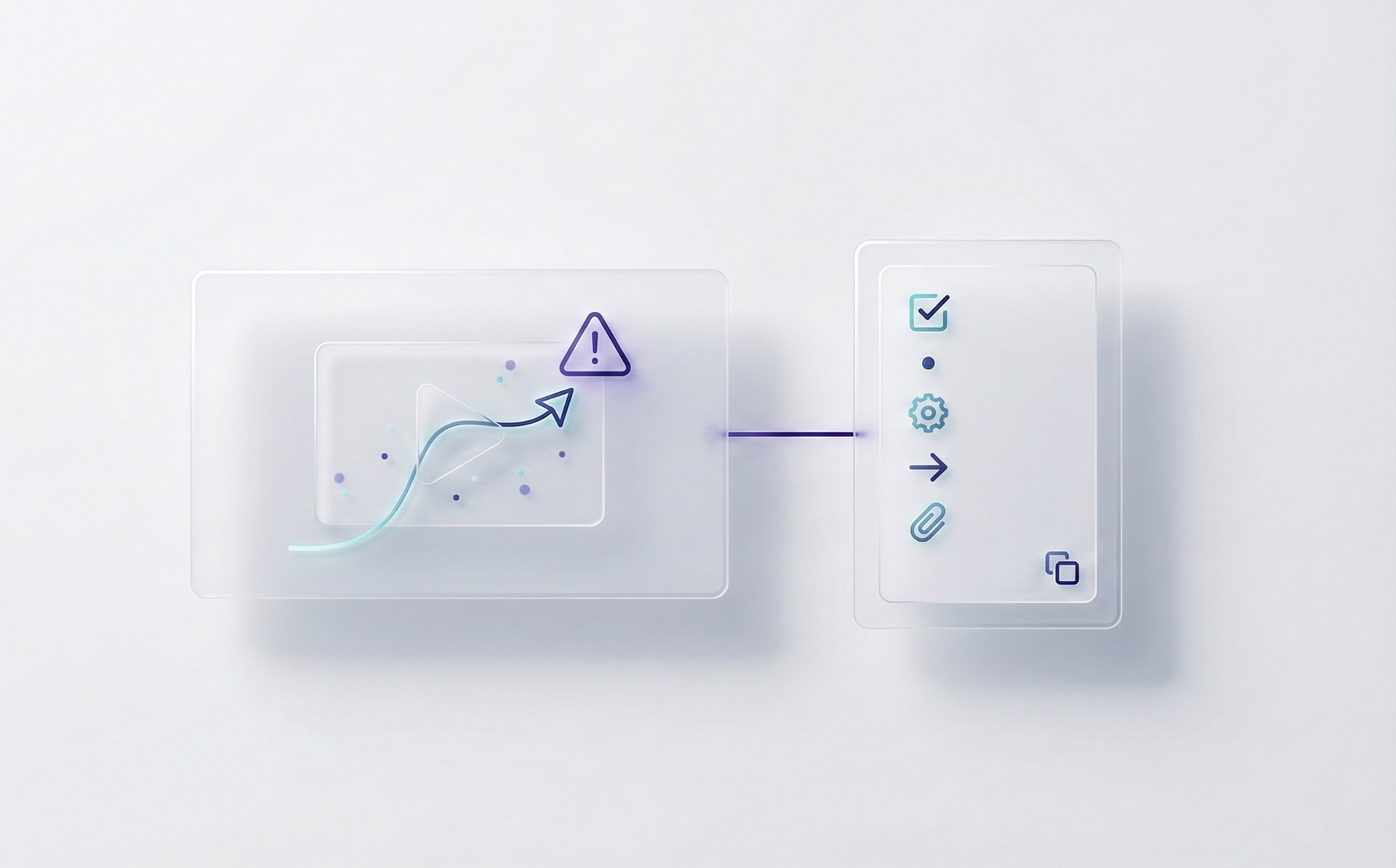
Create a bug report from any OXVO Sessions replay
New
You can now turn a replay into a structured bug report in seconds. OXVO AI extracts repro steps, key events, and technical signals so product and engineering can act faster.
What's new
New Create bug report action inside replays.
Auto-generated repro steps based on the session timeline.
Optional technical context (errors and failed requests) when available for the session.
Copy as HTML or Markdown for quick pasting into your issue tracker.
How it works
OXVO AI summarizes the session into steps and highlights the most relevant timestamp to start debugging.
Captured environment details (device, browser, URL path) are added to the report when present in replay metadata.
Privacy masking applies, so masked fields remain masked in the generated output.
How to use
Open Session Replay and select a replay.
Jump to the moment of interest, then click Create bug report.
Review and edit the draft, then copy it to your tracker.
Availability
Available to users with Sessions replay access. Technical signals depend on capture settings and privacy configuration.