AI support that sees and knows when to escalate.
OXVO AI links Builder with OXVO Console, unifying conversations, Sessions, and OXVO Insights analytics so teams can resolve issues and improve after launch.
_
Generate
Generate
Free plan. Start with the essentials.
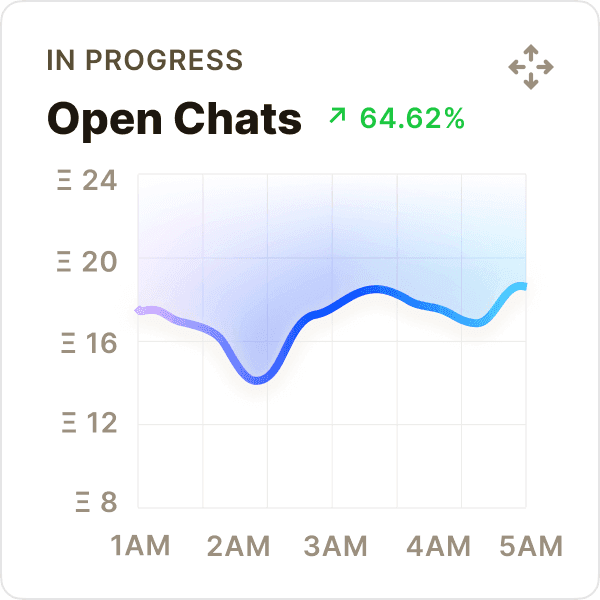
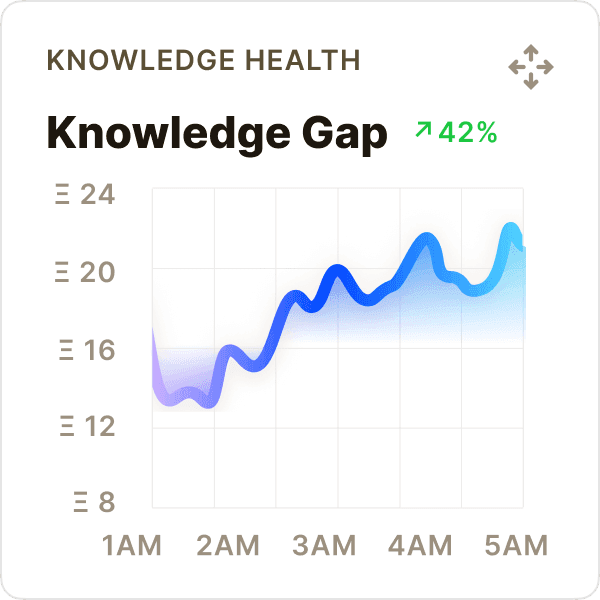
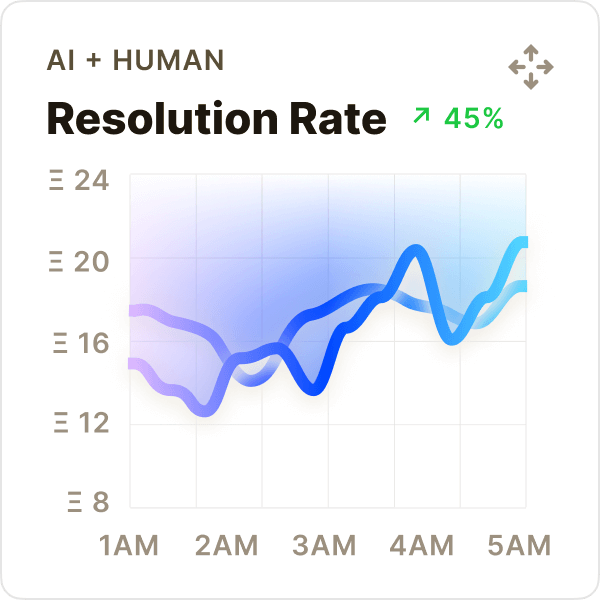
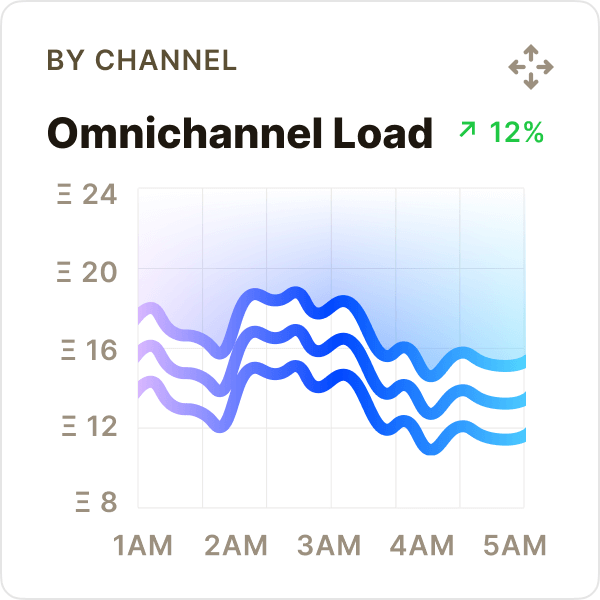
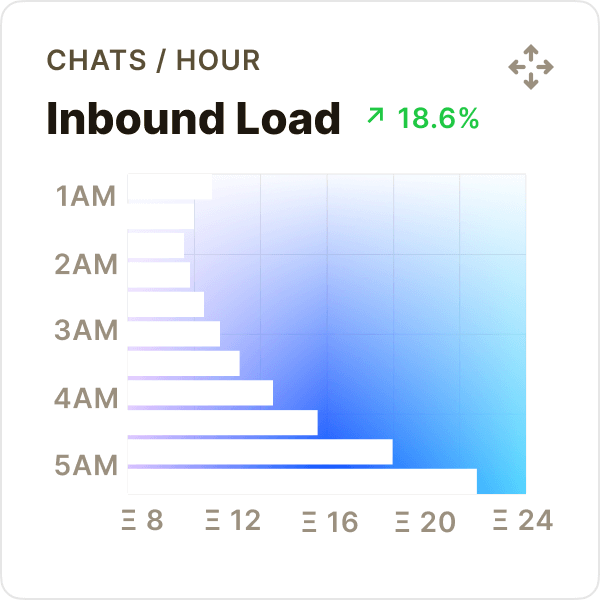
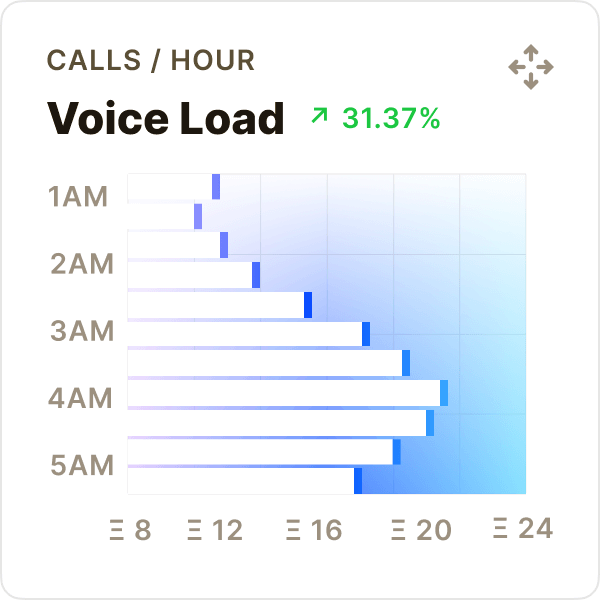
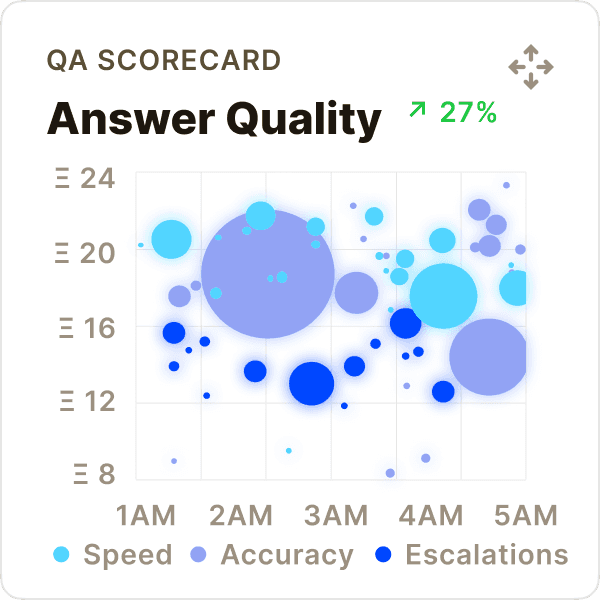
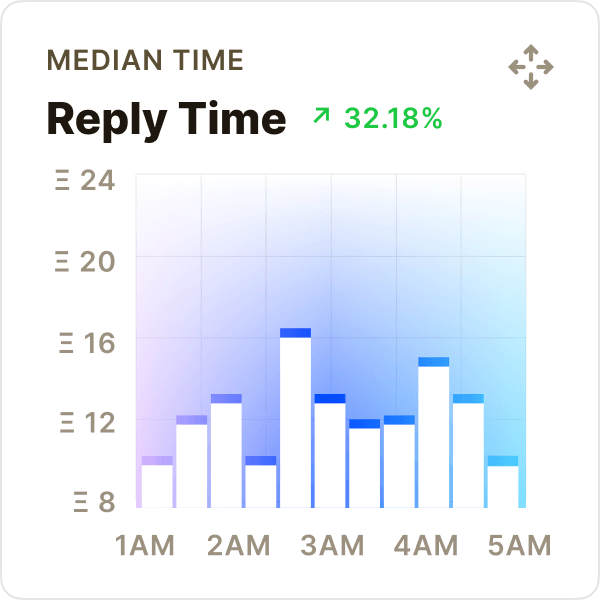
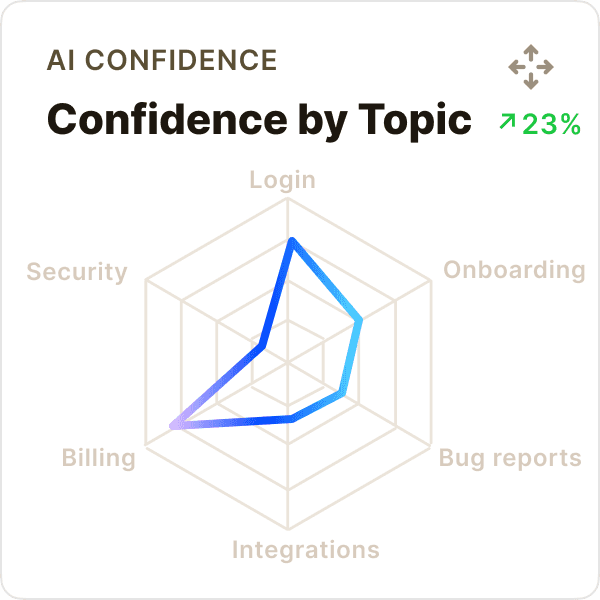
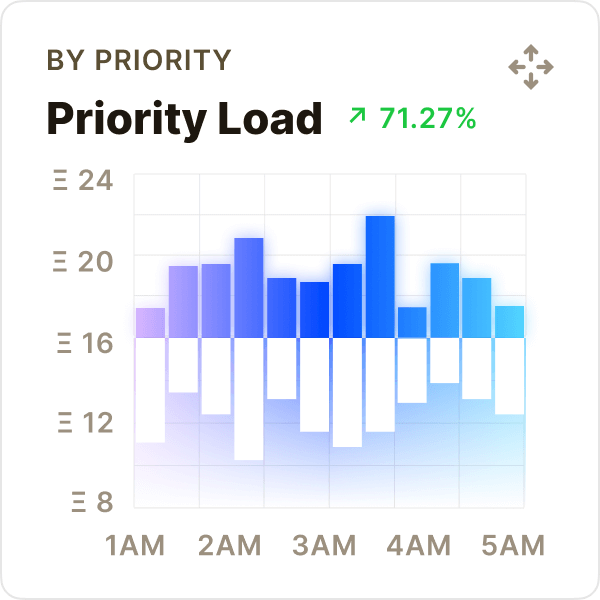
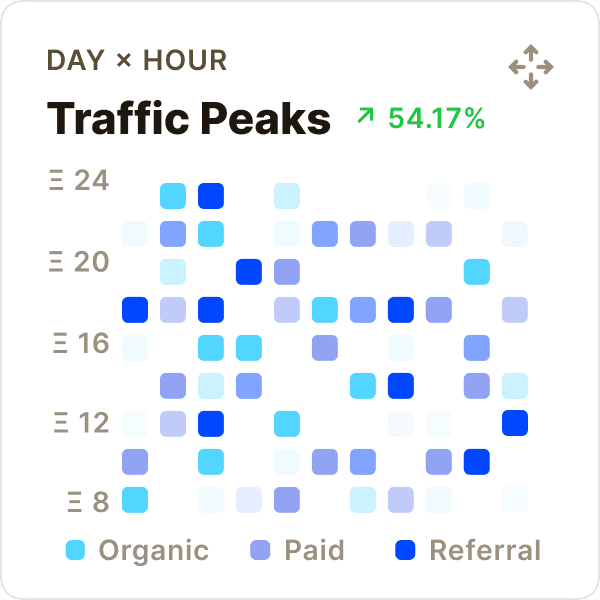
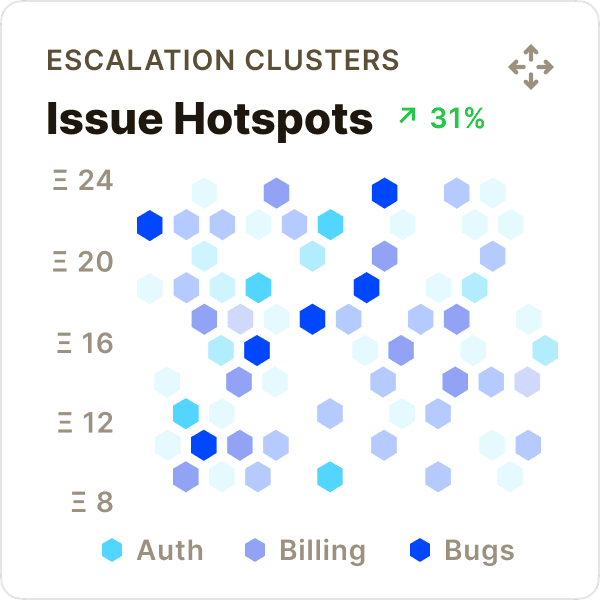
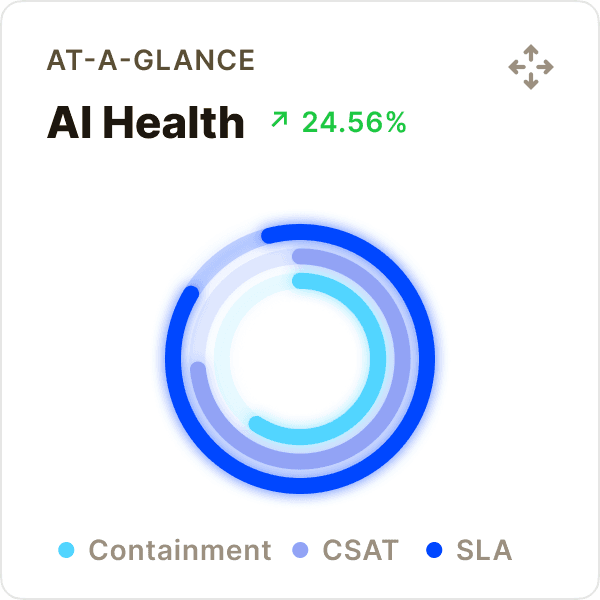
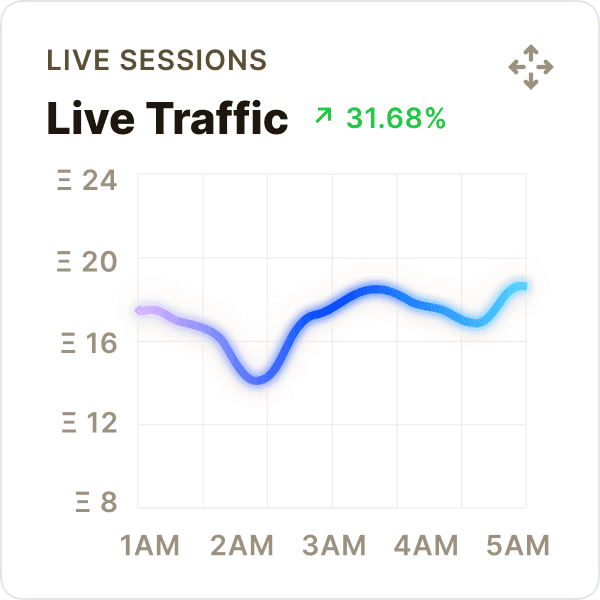
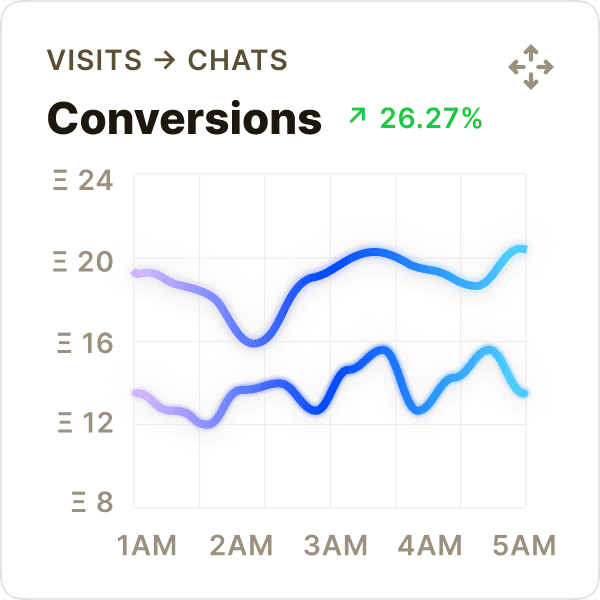
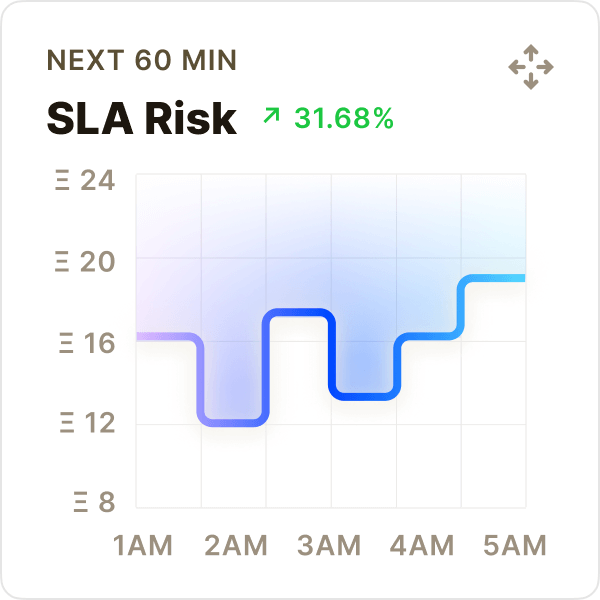
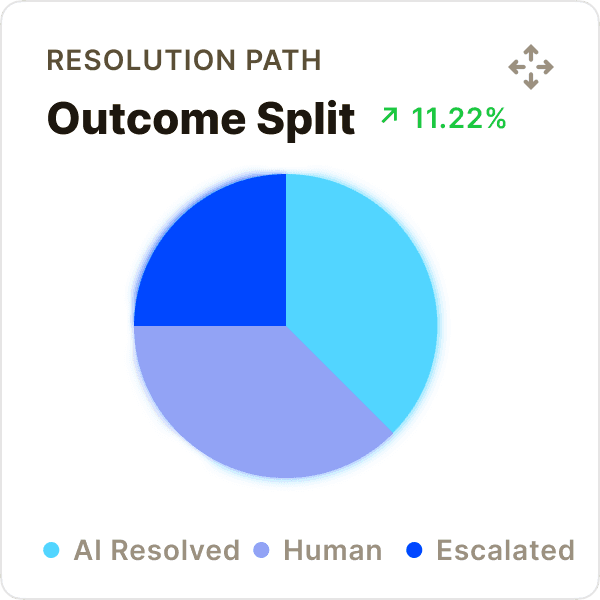
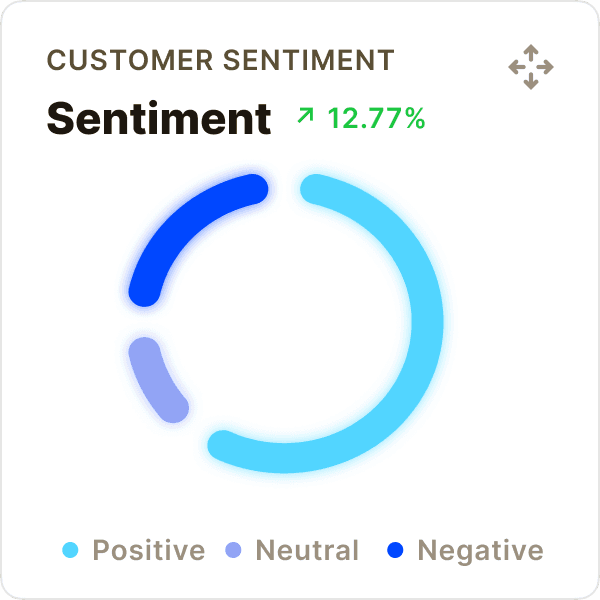
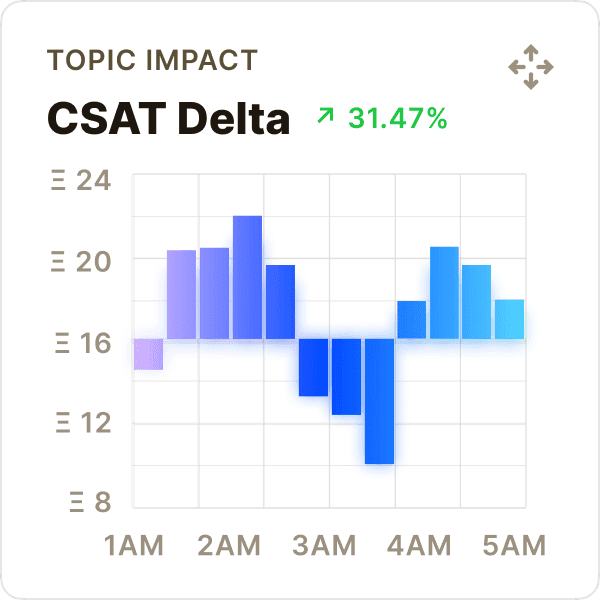
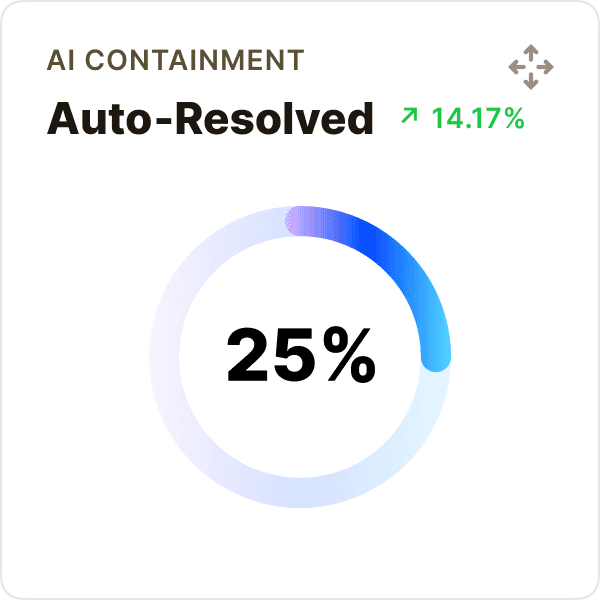
AI loop
Make AI useful before and after launch.
OXVO AI works across the full product loop: create the app, support the customer, inspect the session, and turn real signals into the next improvement.
Conversation intelligence
Conversation intelligence
Know what users ask, which answers work, and when AI should resolve, draft, or escalate.
Know what users ask, which answers work, and when AI should resolve, draft, or escalate.
AI Resolutions
Jan 01 - Mar 15
34,678
Resolved with OXVO AI
Export Report
15 Jan
15 Feb
15 Mar
Resolved across channels
Messenger
31%
10,750
24%
8,323
18%
6,242
Voice + Video
15%
5,202
Screen Sessions
12%
4,161
Sessions + Insights
Sessions + Insights
Sessions shows the exact moment. Insights shows how often it happens. Use both to decide what your team should fix.
Sessions shows the exact moment. Insights shows how often it happens. Use both to decide what your team should fix.
Behavior overview
Insights + Sessions (10 Jan – 24 Feb)
Insights + Sessions (last 24h)
Duration
42
s
Drop-off rate
3.2
%
Retention
1.8
%
Prompt, preview, refine
Start from a product idea or an existing app, then keep iterating in chat with preview context.
Guardrails, not guesswork
Define what the AI can say, what it must verify, and when to route sensitive or low-confidence cases to a human with full context.
Turn insights into fixes
Use conversation, session, and product analytics trends to find root causes, update guidance, and reduce future tickets.
BUILT WITH OXVO
Powerful features for AI‑driven customer service.
OXVO AI handles routine questions, highlights urgent issues, and hands off with full context so your team moves faster and customers feel heard.

SLA Risk Rising
09:42 AM
Queue may breach in 22 minutes. Suggested: reroute...
Queue Volume Rising
10:11 am
Support volume grew 12.4% compared to last week. Review staffing and routing.
SLA Target Met
10:11 am
SLA performance is on target. Review the queue.
CSAT Dip Detected
10:11 AM
Checkout CSAT dropped 0.4 today. Recommended:...
Repeat Contacts
03:11 pm
Repeat contacts rose 18% MoM. Review the support queue.
Voice Queue Spike
10:06 AM
Calls up 18% this hour. Suggested: turn on...
Live support signals
Surface frustration, repeat contacts, SLA risk, queue spikes, and CSAT dips so your team can review issues with the right context.
SLA Risk Rising
09:42 AM
Queue may breach in 22 minutes. Suggested: reroute...
Queue Volume Rising
10:11 am
Support volume grew 12.4% compared to last week. Review staffing and routing.
SLA Target Met
10:11 am
SLA performance is on target. Review the queue.
CSAT Dip Detected
10:11 AM
Checkout CSAT dropped 0.4 today. Recommended:...
Repeat Contacts
03:11 pm
Repeat contacts rose 18% MoM. Review the support queue.
Voice Queue Spike
10:06 AM
Calls up 18% this hour. Suggested: turn on...
Live support signals
Surface frustration, repeat contacts, SLA risk, queue spikes, and CSAT dips so your team can review issues with the right context.
Security & privacy controls
Control who sees what. Mask sensitive inputs and limit access by role. Insights collects analytics only after visitors allow it.
Security & privacy controls
Control who sees what. Mask sensitive inputs and limit access by role. Insights collects analytics only after visitors allow it.
Policy-Controlled AI
Set tone, rules, and escalation behavior. Tune AI to match your brand and your policies without rewriting your workflow.
Live chat
January
February
Show AI Confidence
Auto‑Summarize
Highlight Values
Use Brand Voice
Record Voice
Highlight At‑Risk
Policy-Controlled AI
Set tone, rules, and escalation behavior. Tune AI to match your brand and your policies without rewriting your workflow.
Live chat
January
February
Show AI Confidence
Auto‑Summarize
Highlight Values
Use Brand Voice
Record Voice
Highlight At‑Risk
Integrations that fit your stack
Connect tools through webhooks and integrations so support can trigger workflows, notify teams, and keep systems in sync.

Shopify
Pull orders, shipping status, and customer history into conversations.

Stripe
Check subscriptions, invoices, and payment status instantly.

HubSpot
Sync contacts, lifecycle stage, and notes in real time.
Integrations that fit your stack
Connect tools through webhooks and integrations so support can trigger workflows, notify teams, and keep systems in sync.
Shopify
Pull orders, shipping status, and customer history into conversations.
Stripe
Check subscriptions, invoices, and payment status instantly.
HubSpot
Sync contacts, lifecycle stage, and notes in real time.
Closed loop
Turn product signals into better apps.
OXVO Insights tracks traffic, events, and usage patterns. Sessions adds replays and errors. Messenger adds conversations.
Total Conversations
9.03 K
vs Last Month
6.77 K
10 Jan
10 Feb
Today
AI impact
Track how often AI resolves end‑to‑end vs. assists agents week over week.
Issue Hotspots
Spot where users struggle most by flow, page, feature, or error cluster.
Issue Hotspots
Mon-Sat
Mon
Tue
Wed
Thu
Fri
Sat
Auto-improvement areas
See suggested journey changes based on real behavior. Your team approves.
Onboarding
Checkout
Setup
January
February
March
Scatter Chart
Explore relationships between metrics. Identify correlations, patterns, and outliers with precision and depth.
Last 30 days
AI
Human
10
20
30
40
50
AI Impact on CSAT
See how AI-assisted conversations perform versus human-only.
Last 30 days
AI
Human
10
20
30
40
50
Top Topics
Understand what’s driving demand then fix root causes and update guidance.
Billing
54.9%
Onboarding
17.64%
Bugs
27.46%
AI Impact on CSAT
See how AI-assisted conversations perform versus human-only.
Last 30 days
AI
Human
10
20
30
40
50
AI-assisted conversations
See where AI resolved, drafted, routed, or escalated across your live app.
Resolved
Drafted
Escalated
10
20
30
40
50
Issue Hotspots
Spot where users struggle most by flow, page, feature, or error cluster.
Issue Hotspots
Mon-Sat
Mon
Tue
Wed
Thu
Fri
Sat
Boost Productivity
Console signals. Builder improvements.
Support, product, and engineering don’t need separate tools. OXVO connects the conversation to the session so decisions are obvious.
Built for support reality
AI suggestions are useful only when they’re grounded in context. OXVO keeps answers tied to the customer’s conversation, history, and session evidence.
Built for support reality
AI suggestions are useful only when they’re grounded in context. OXVO keeps answers tied to the customer’s conversation, history, and session evidence.
Analyze Together
Share replays, review analytics, and align on fixes. Turn support volume into product improvements, not just more tickets.
Analyze Together
Conversation
10458
10459
10460
10461
10462
10463
10464
10465
Channel
Voice
Web chat
Screen
Voice
Web chat
Screen
Topic
Cancel sub
Login/OTP
Setup stuck
Invoice
Ship status
PIN reset
Bug report
Plan setup
Status
Escalated
AI solved
Co-pilot
AI solved
AI solved
Human
Escalated
Co-pilot
You
Ron W
Analyze Together
Share replays, review analytics, and align on fixes. Turn support volume into product improvements, not just more tickets.
Analyze Together
Conversation
10458
10459
10460
10461
10462
10463
10464
10465
Channel
Voice
Web chat
Screen
Voice
Web chat
Screen
Topic
Cancel sub
Login/OTP
Setup stuck
Invoice
Ship status
PIN reset
Bug report
Plan setup
Status
Escalated
AI solved
Co-pilot
AI solved
AI solved
Human
Escalated
Co-pilot
You
Ron W
FAQS
Questions? Answers!
Find quick answers to the most common questions.
What is OXVO Console?
OXVO Console brings together Messenger for conversations, OXVO Insights for analytics, and Sessions for replay and live help, with OXVO AI across them. Keep customer and product context connected so your team can understand what happened and act.
Can OXVO help improve the app too?
Yes. Messenger adds conversations, Sessions adds replays and errors, and Insights adds analytics. With Builder connected, OXVO AI can suggest reviewed changes from conversations and sessions. Your team decides what to ship.
What is OXVO Insights?
OXVO Insights is product and web analytics inside Console. See traffic, funnels, retention, and dashboards after visitors allow analytics. Sessions remains the place for replay, errors, and live help.
Can I connect OXVO to an existing app?
Yes. Connect your site once for Sessions and Insights, then enable conversations, AI, and the integrations you need. Analytics starts after visitor consent. You do not need to rebuild in OXVO Builder.
What happens when AI needs a human?
OXVO hands the conversation to your team with a concise summary and the relevant customer and session context. The customer can continue without explaining the issue again.
Can I control what gets recorded in session replays?
Yes. Manage OXVO Sessions from Console and choose what is captured. Use masking, selective capture, retention settings, and workspace permissions to protect sensitive information.
How do Builder and Console work together?
Builder creates and updates the app. Console connects Messenger conversations, Sessions replays, and Insights analytics, with OXVO AI across them. Your team uses that evidence to guide reviewed improvements in Builder.
How do I get started with OXVO Console?
Connect your site once for Sessions and Insights. Add tracking, set up visitor consent, and verify incoming data. Choose your channels and configure AI, then add automations and live help as your team grows.
For other questions, email our team: info@oxvo.com
FAQS
Questions? Answers!
Find quick answers to the most common questions.
What is OXVO Console?
OXVO Console brings together Messenger for conversations, OXVO Insights for analytics, and Sessions for replay and live help, with OXVO AI across them. Keep customer and product context connected so your team can understand what happened and act.
Can OXVO help improve the app too?
What is OXVO Insights?
Can I connect OXVO to an existing app?
Yes. Connect your site once for Sessions and Insights, then enable conversations, AI, and the integrations you need. Analytics starts after visitor consent. You do not need to rebuild in OXVO Builder.
What happens when AI needs a human?
Can I control what gets recorded in session replays?
How do Builder and Console work together?
How do I get started with OXVO Console?
Connect your site once for Sessions and Insights. Add tracking, set up visitor consent, and verify incoming data. Choose your channels and configure AI, then add automations and live help as your team grows.
For other questions, email our team: info@oxvo.com
FAQS
Questions? Answers!
Find quick answers to the most common questions.
What is OXVO Console?
OXVO Console brings together Messenger for conversations, OXVO Insights for analytics, and Sessions for replay and live help, with OXVO AI across them. Keep customer and product context connected so your team can understand what happened and act.
Can OXVO help improve the app too?
Yes. Messenger adds conversations, Sessions adds replays and errors, and Insights adds analytics. With Builder connected, OXVO AI can suggest reviewed changes from conversations and sessions. Your team decides what to ship.
What is OXVO Insights?
OXVO Insights is product and web analytics inside Console. See traffic, funnels, retention, and dashboards after visitors allow analytics. Sessions remains the place for replay, errors, and live help.
Can I connect OXVO to an existing app?
Yes. Connect your site once for Sessions and Insights, then enable conversations, AI, and the integrations you need. Analytics starts after visitor consent. You do not need to rebuild in OXVO Builder.
What happens when AI needs a human?
OXVO hands the conversation to your team with a concise summary and the relevant customer and session context. The customer can continue without explaining the issue again.
Can I control what gets recorded in session replays?
Yes. Manage OXVO Sessions from Console and choose what is captured. Use masking, selective capture, retention settings, and workspace permissions to protect sensitive information.
How do Builder and Console work together?
Builder creates and updates the app. Console connects Messenger conversations, Sessions replays, and Insights analytics, with OXVO AI across them. Your team uses that evidence to guide reviewed improvements in Builder.
How do I get started with OXVO Console?
Connect your site once for Sessions and Insights. Add tracking, set up visitor consent, and verify incoming data. Choose your channels and configure AI, then add automations and live help as your team grows.
For other questions, email our team: info@oxvo.com