
Support doesn’t scale by hiring alone it scales by consistency
When ticket volume rises, the failure mode isn’t just slower replies. It’s inconsistency: different labels for the same issue, unpredictable handoffs, routing loops, and a growing gap between what support knows and what product fixes.
The fix is an operational foundation: a small, stable taxonomy (labels), repeatable actions (macros), and minimal automation rules that don’t fight each other.
This post gives you a pragmatic “support ops baseline” you can implement in OXVO without turning your workflow into a maze.
Key takeaways
Labels are not reporting garnish they’re how teams coordinate ownership and pattern detection.
Macros should cover repeat outcomes; automations should be minimal and testable.
Assignment policies work best when they’re predictable, not “smart.”
Status discipline (open/pending/snoozed/resolved) prevents hidden backlog risk.
Session evidence becomes more valuable when the operational workflow is clean.
The operating system: labels, macros, automations, assignment
Think of these four elements as your support operating system:
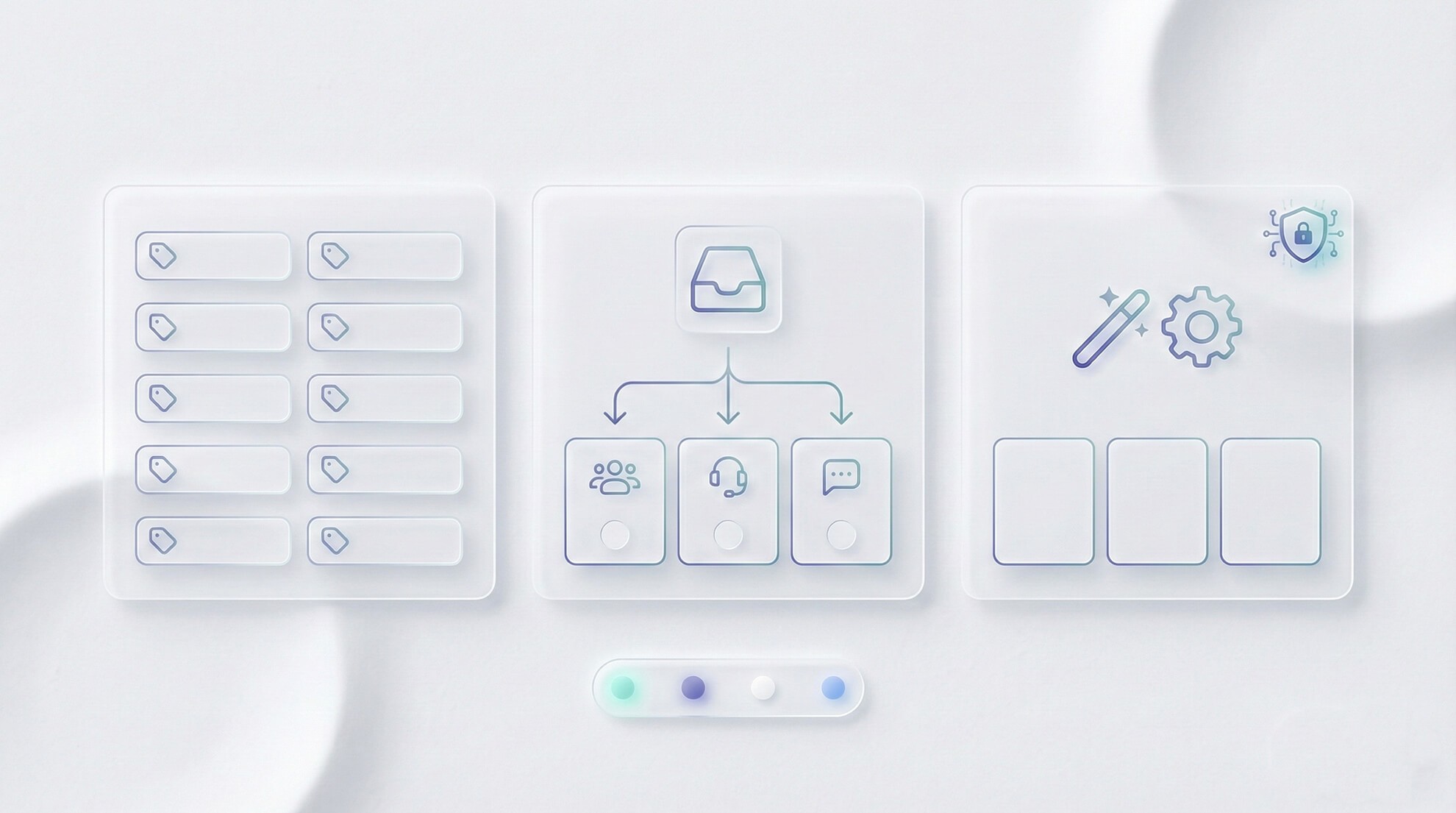
Labels define what the issue is and where it belongs. Macros standardize what you do repeatedly. Automations enforce a few safe defaults. Assignment determines who owns the next action.
Most teams fail by doing too much too soon dozens of labels, dozens of rules, and no shared meaning. Start small and enforce discipline.
Design labels that map to ownership
The most useful label model is a simple pair:
Product-area label (where): onboarding, billing, permissions, integrations, editor, API.
Issue-type label (what): defect, confusion, access, performance.
With those two, you can route, report, and escalate cleanly without inventing a new label for every edge case.
Macros vs automations: explicit beats clever
Macros are “operator-triggered bundles.” They’re ideal when you want predictable execution at the moment an agent replies.
Automations run on events. They’re powerful but overlapping rules can cause status flapping, repeated reassignment, and confusing outcomes. Use automations sparingly until your team can describe every rule from memory.
Tool | Best for | Risk | Starter example |
|---|---|---|---|
Labels | Pattern detection + ownership | Taxonomy drift | Product area + issue type pair |
Macros | Repeatable outcomes | Macro sprawl | “Request more info + set pending + label” |
Automations | Safe defaults | Routing loops | Auto-assign by inbox to a team |
Assignment | Clear ownership | Unclear queues | Team-based ownership with manual agent pick |
Practical checklist: your support ops baseline
Create 10–15 labels using the product-area + issue-type pattern (avoid one-off labels).
Define label meaning in one internal note (what qualifies, what doesn’t).
Create 3–5 macros for common outcomes (request info, escalate, workaround, close with summary).
Start with 1–2 automations max (e.g., assign by inbox; apply a default label).
Document status semantics so “pending” and “snoozed” are used consistently.
Review weekly: remove unused labels/macros and fix rules that cause confusion.
Mini example workflow: ticket → replay → action
Scenario: “The app freezes during onboarding.”
In OXVO: the conversation is labeled (onboarding + performance) and assigned to the onboarding support team.
Macro usage: the agent triggers a macro that requests device details, adds an internal note template, and sets the status to pending.
In OXVO Sessions: the agent opens the replay and sees the freeze after a specific UI interaction; evidence suggests a client-side performance issue.
Action: the agent updates the ticket with a targeted workaround and escalates with evidence to engineering.
Loop closure: once fixed, the team tags similar tickets and updates the macro to include the new guidance.
Where AI fits (without breaking discipline)
AI is most helpful when it supports consistency: suggesting labels, summarizing threads for handoffs, and drafting replies that agents review before sending.
Use AI to reinforce your operating system, not bypass it. Start with: [Link: OXVO AI]. Then connect it to evidence from [Link: OXVO Sessions] for investigations that need behavioral context.
Status discipline: the underrated scaling lever
Queues fail when work hides. Agree on simple semantics: open means action is required now; pending means waiting on customer or external dependency; snoozed means intentionally deferred until a specific time; resolved means done with a brief internal summary.
If your team uses these consistently, reporting becomes trustworthy and escalations become easier because you can see what’s truly stuck.
How to avoid automation conflicts (the simple rule)
Most automation problems come from overlap: multiple rules trying to control the same field (assignee, status, priority) on the same event. The result is unpredictable updates that agents stop trusting.
A simple rule keeps you safe: only one rule should own a given outcome. If a rule sets assignment, don’t create another rule that also sets assignment on a similar trigger. If you need exceptions, encode them in the same rule set or make them explicit via macros.
When you add a new automation, test it with real conversations and verify two things: (1) it doesn’t change the status unexpectedly, and (2) it doesn’t reassign work repeatedly.
The weekly hygiene loop (15 minutes)
Scaling support isn’t a one-time setup. It’s a small recurring habit:
Review top labels for the week: are they meaningful and consistently applied?
Delete or merge unused labels and duplicate macros.
Inspect any automation-driven assignments that feel “wrong” and simplify.
Pick one recurring issue cluster to escalate with evidence to product/engineering.
Most importantly: make taxonomy decisions quickly. Labels should be a tool for speed, not a debate club.
This keeps the system tidy and makes session evidence easier to apply when high-impact issues appear.
CTA
If your support workflow feels noisy, don’t add more rules add clarity. A small label taxonomy, a few high-value macros, and minimal automation can make your team faster immediately.
Button label: Build the support ops baseline


