
Today, February 28, 2026, we’re making OXVO available to everyone.
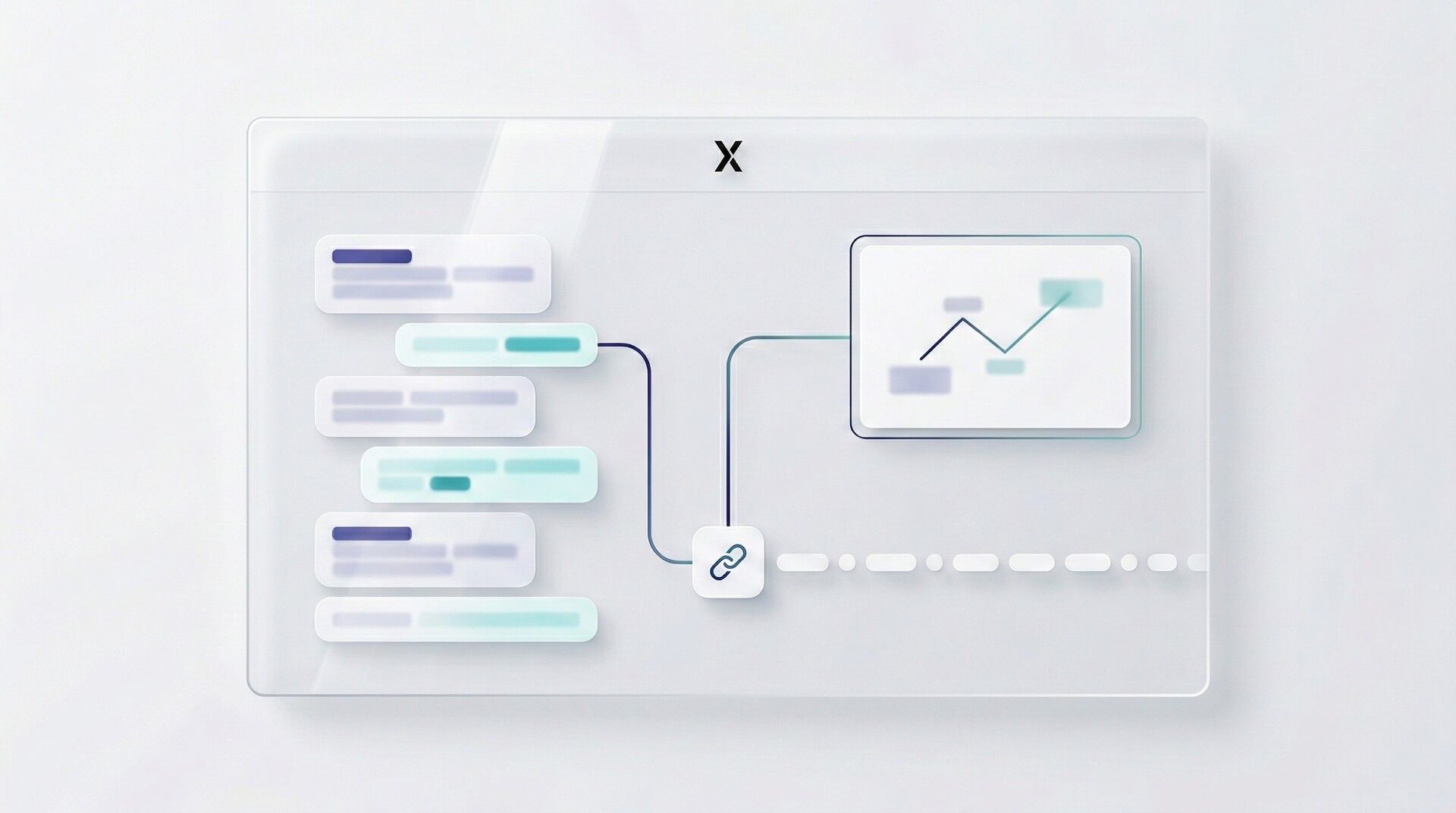
OXVO is the platform we wanted as operators: a full customer support workspace and a session replay + live assist layer, connected by one account, one timeline, and one shared source of truth.
No more stitching together a help desk, a replay tool, a co‑browse add‑on, and product analytics then hoping they all agree on what “actually happened”.
OXVO is built for the moment a customer says:
“It’s broken.”
…and your team needs evidence, context, and speed without asking them to repeat themselves.
The problem we built OXVO to solve
Support and product teams aren’t lacking tools. They’re drowning in them.
Most stacks look like this:
a help desk for conversations
a session replay tool for “what happened”
a co‑browse tool for live guidance
analytics dashboards for trends
an AI layer bolted on top (usually only seeing the chat)
It works until it doesn’t.
When a critical issue hits, the cost shows up as:
slow triage (“can you send a screen recording?”)
long back‑and‑forth (“what browser? which step? can you reproduce?”)
duplicated work (support and engineering chasing the same answer in different tools)
misaligned context (the ticket says one thing, the replay shows another)
That’s the integration tax: you pay for it in subscriptions and in lost time.
OXVO exists to remove that tax.
Meet OXVO
OXVO is an all‑in‑one customer experience platform:
1) A complete support workspace
Everything you expect from a modern support platform built for real operations:
shared team inbox and conversation lifecycle
assignment, routing, and workload controls
labels, macros, and automation rules
customer profiles and structured attributes
channels + integrations (so conversations land where your team works)
2) OXVO Sessions (session replay + live assist)
Embedded directly inside the same workspace:
session replay to reproduce issues without guesswork
developer context like console/network/error signals (when available)
co‑browsing / live assist so agents can guide customers in real time
dashboards, alerts, and events to move from “one ticket” to “systemic signal”
3) AI across both built to be operational, not gimmicky
Most “AI support” sees only the message thread. OXVO AI is designed to work with:
conversation context (history, labels, customer metadata)
knowledge and policies you approve
session context (what the customer actually did, where they got stuck)
So the output is more grounded, escalations are smarter, and handoffs are cleaner.
What OXVO feels like in real life
Here’s the workflow we built around:
A customer writes:
“Checkout doesn’t work.”
In OXVO, you can:
Open the conversation
Jump straight into the relevant session replay
See the exact click path and timing
Spot the error or failing request (often within seconds)
Reply with confidence or start a consent-based co‑browse to guide them live
Leave a clean internal note and route it to engineering with evidence attached
The customer doesn’t have to record a video.
Your agent doesn’t have to guess.
Engineering doesn’t have to “try to reproduce it”.
Support becomes diagnostic. Not just conversational.
What’s included at launch
OXVO is ready for production use today. Highlights include:
Support operations (the workhorse features)
Inbox workflows (open / pending / snoozed / resolved)
Assignment, teams, and collaboration (mentions + internal notes)
Labels, macros, and automation rules for repeat workflows
Customer records (contacts + companies) with custom attributes
Integrations + developer extensibility (webhooks, bots, and APIs)
Sessions (replay + observability + live assist)
Replays linked to customer context where available
Live Assist / co‑browsing built around permission and consent
Events & activity for behavior signals and investigation
Dashboards and alerts to monitor trends and anomalies
AI (roll out safely)
Agent-facing writing assistance (drafts, summaries, tone rewrites)
Admin controls for assistant behavior, knowledge, and tools
Sessions AI insights for behavior-focused investigation workflows
Governance guidance: start low-risk, require review, expand gradually
Built for production: privacy, control, and governance
We built OXVO for teams that need speed without losing control.
That means:
role-based access across support and Sessions
privacy controls for session replay (masking, selective capture, retention)
human-in-the-loop AI workflows where it matters
an approach that scales from “one inbox” to “multiple teams + multiple products”
OXVO is designed so you can keep data useful for troubleshooting while protecting what should never be recorded.
How to get started
If you want to try OXVO today, here’s the fastest path:
Create your workspace
Connect a support channel (web, email, API, etc.)
Invite your teammates and set roles
Install OXVO Sessions capture on your site/app
Enable AI gradually start with agent-facing writing assistance, then expand
When you run your first real support conversation plus your first replay investigation inside the same workspace, the difference clicks instantly.
Why we’re excited about this launch
Going public isn’t just a milestone it’s a commitment.
We’re shipping OXVO because we believe the next generation of customer experience will look like this:
support and engineering working from the same evidence
AI used where it helps, governed where it matters
fewer tools, stronger outcomes
faster fixes, better customers, calmer teams
OXVO is our answer to the fragmented support stack.
What’s next
Launch day isn’t the finish line. It’s the beginning.
We’ll be continuing to invest in:
deeper AI workflows across support and Sessions
stronger reporting + automation primitives
more integrations and developer surfaces
better investigation tooling for complex, multi-step issues
tighter governance features for larger orgs
(And yes we’ll keep shipping the small details that make daily support feel smooth.)
Try OXVO
OXVO is live as of February 28, 2026.
Explore pricing:
/pricingRead docs:
/docsStart a workspace:
/signup(or your preferred signup route)
If you’re replacing a help desk + replay tool + co‑browse tool + analytics, we’d love to hear what your workflow looks like and help you migrate cleanly.
Thanks for being part of the beginning.
— Team OXVO


