AI support that sees and knows when to escalate.
OXVO AI connects Builder, Inbox, Sessions, and customer signals so teams can create apps, answer faster, investigate issues, and keep improving after launch.
_
Generate
Generate
Free trial, no credit card required
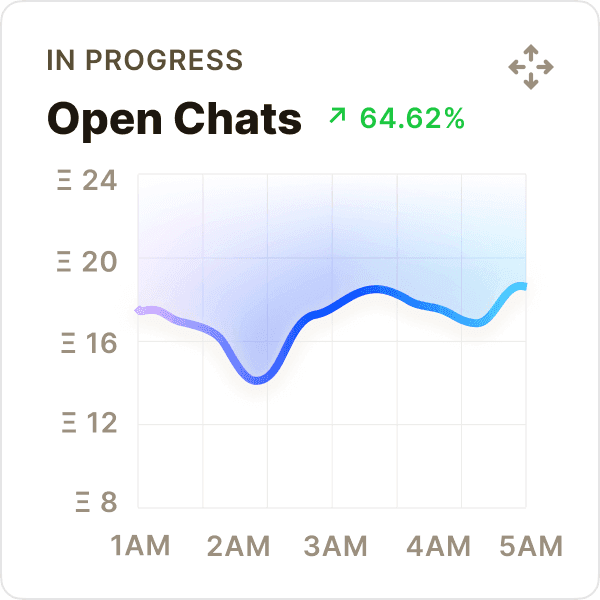
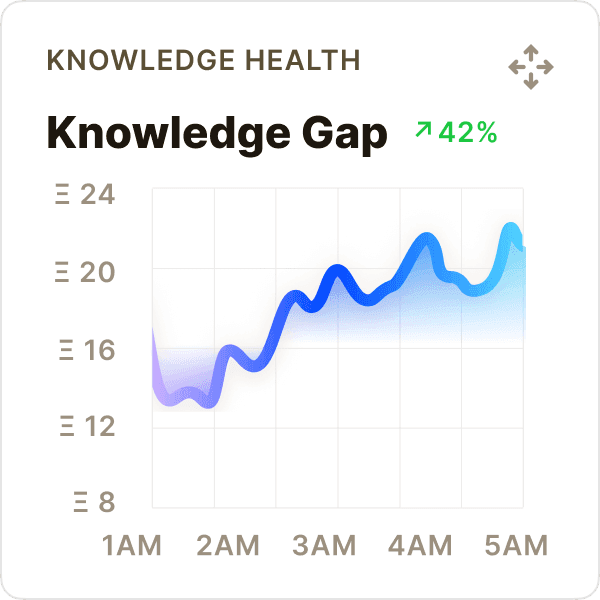
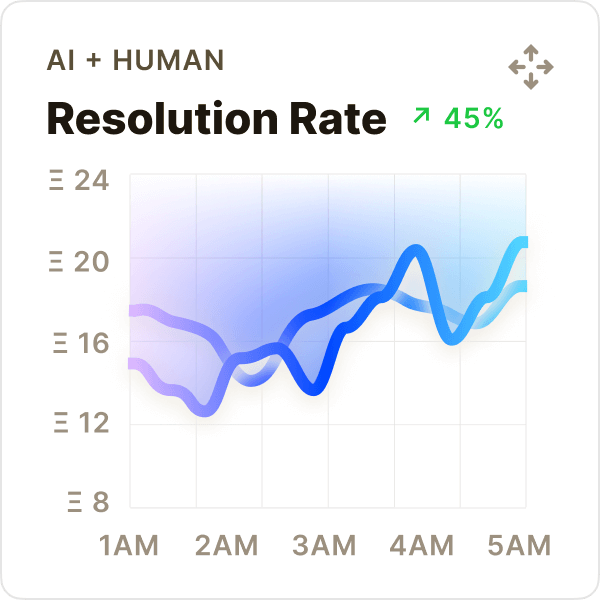
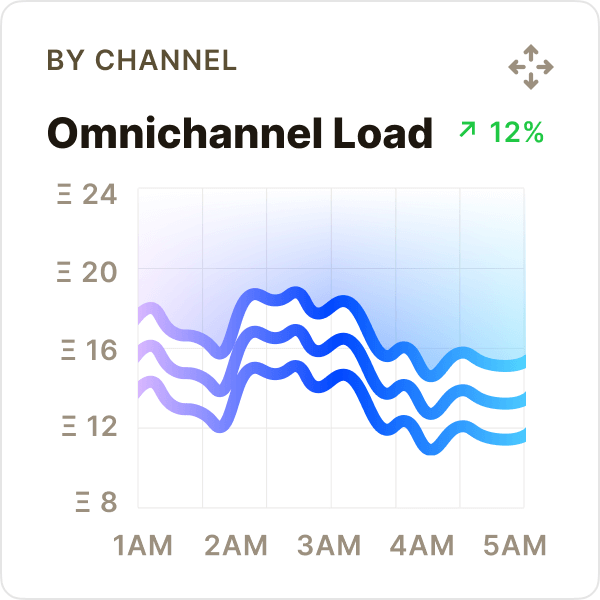
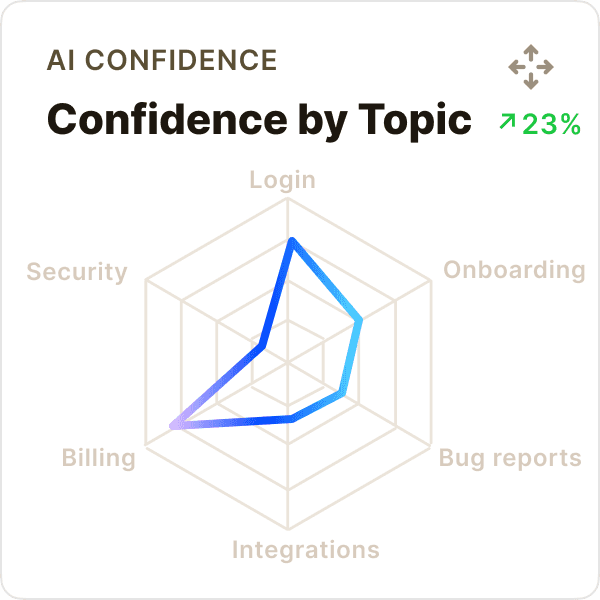
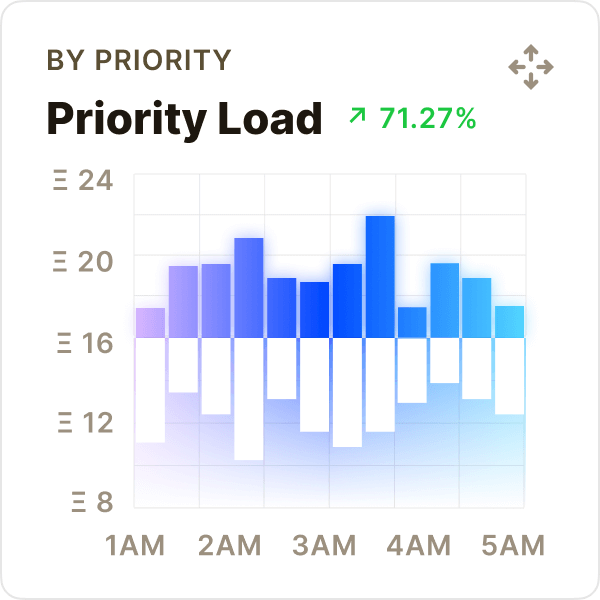
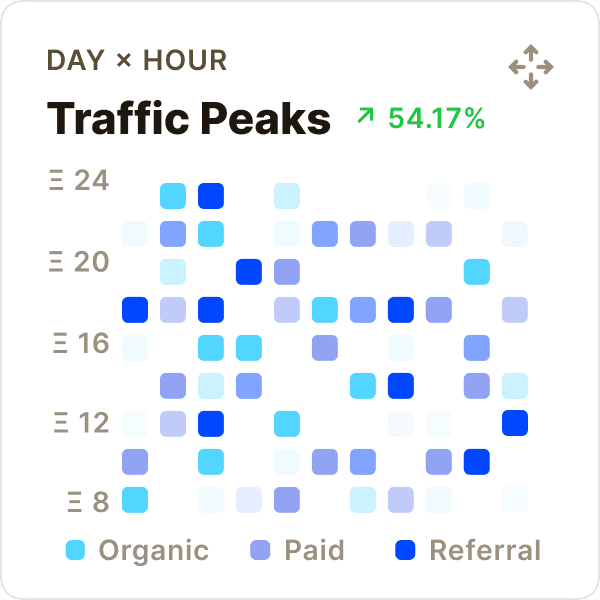
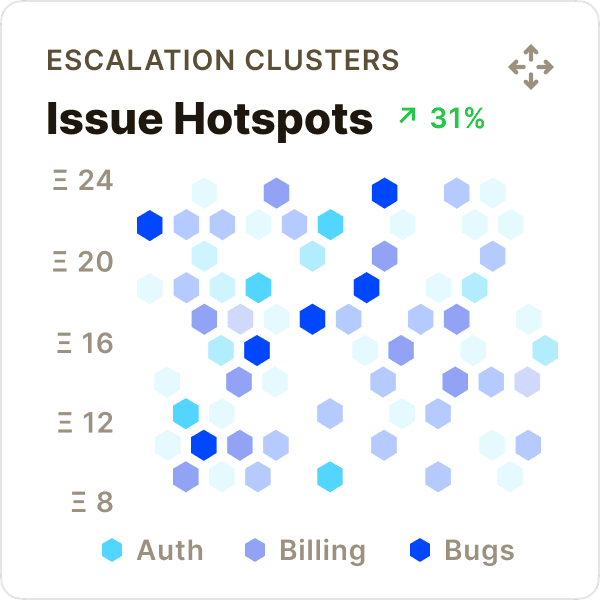
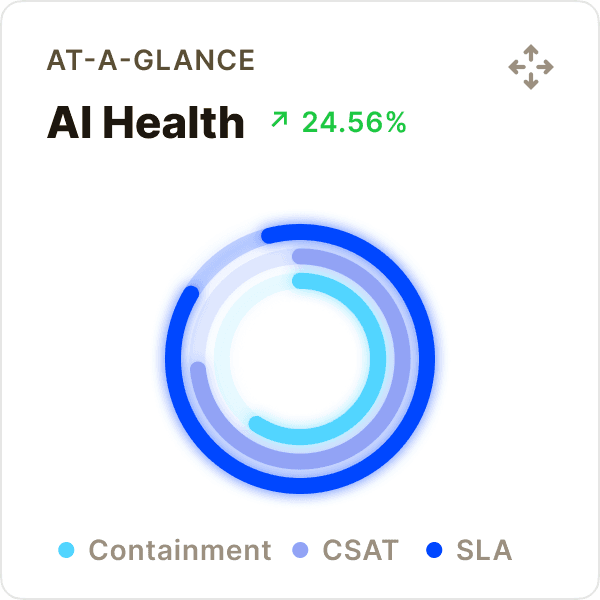
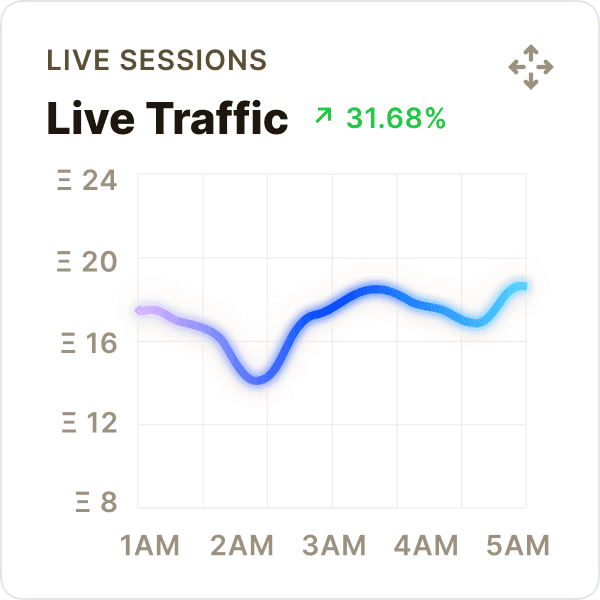
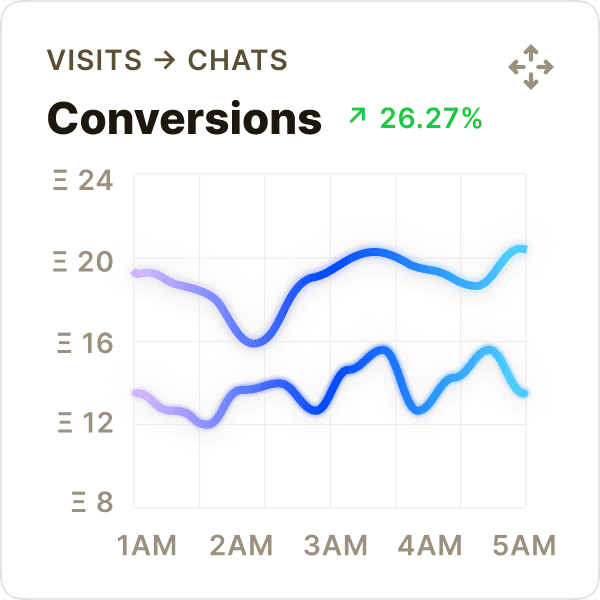
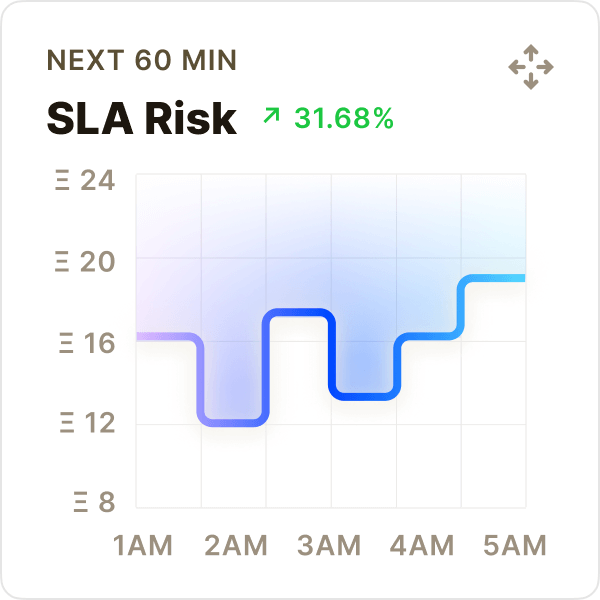
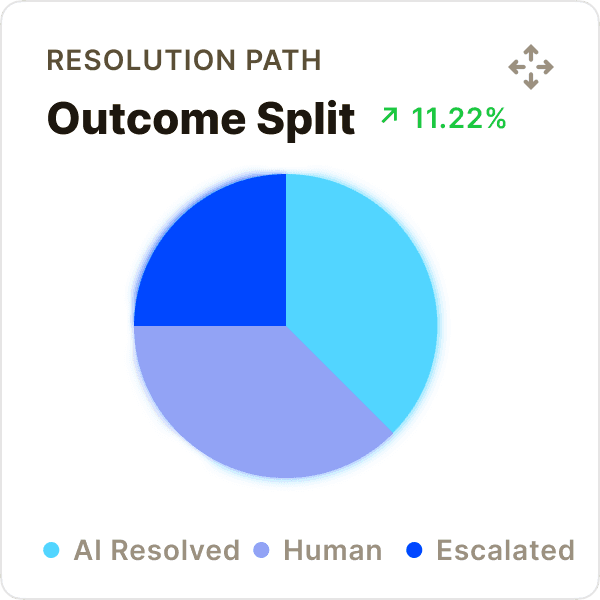
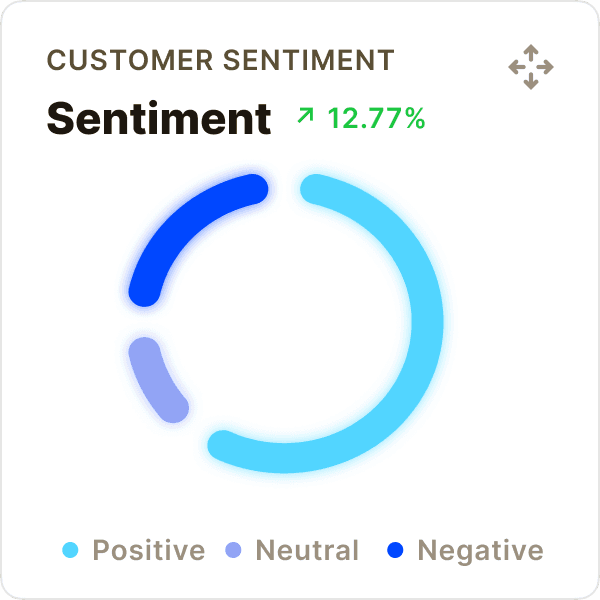
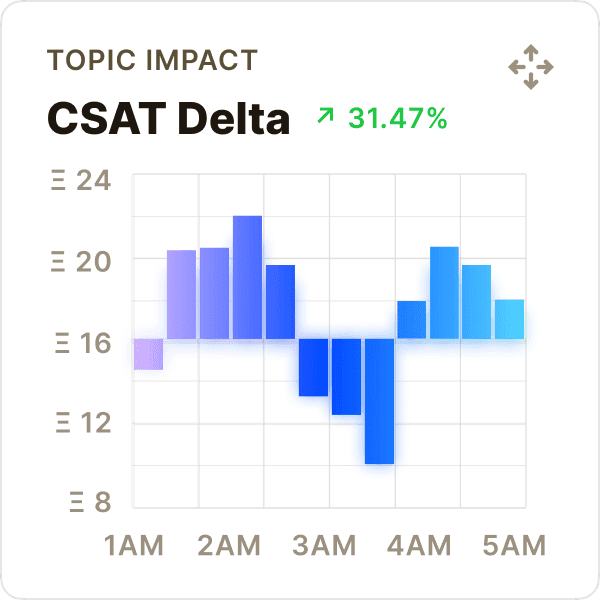
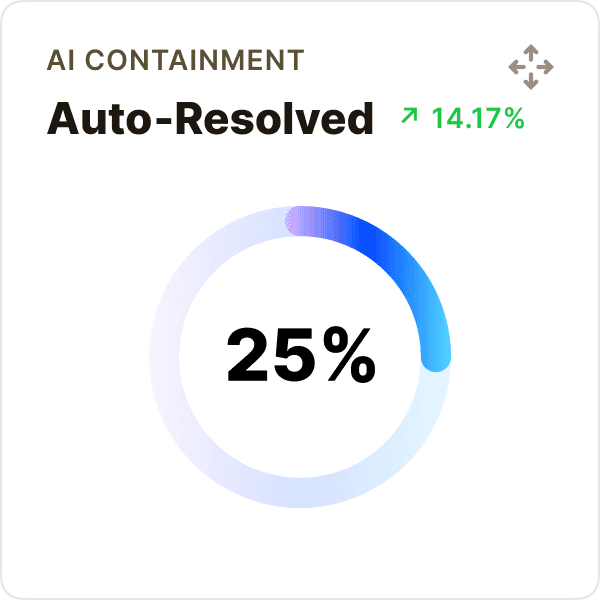
AI loop
Make AI useful before and after launch.
OXVO AI works across the full product loop: create the app, support the customer, inspect the session, and turn real signals into the next improvement.
Conversation intelligence
Conversation intelligence
Know what users ask, which answers work, and when AI should resolve, draft, or escalate.
Know what users ask, which answers work, and when AI should resolve, draft, or escalate.
AI Resolutions
Jan 01 - Mar 15
34,678
Resolved with OXVO AI
Export Report
15 Jan
15 Feb
15 Mar
Resolved across channels
Messenger
31%
10,750
24%
8,323
18%
6,242
Voice + Video
15%
5,202
Screen Sessions
12%
4,161
Session intelligence
Session intelligence
Jump from “what happened?” to “here’s the exact moment.”
OXVO turns real behavior into fixes your team can ship next.
Jump from “what happened?” to “here’s the exact moment.”
OXVO turns real behavior into fixes your team can ship next.
Live friction map
Sessions + forecast (10 Jan – 24 Feb)
Improvement signals (last 24h)
Time to value
42
s
Drop-off risk
3.2
%
Assist rate
1.8
%
Prompt, preview, refine
Start from a product idea or an existing app, then keep iterating in chat with preview context.
Guardrails, not guesswork
Define what the AI can say, what it must verify and route sensitive or low-confidence cases to a human with full context.
Turn insights into fixes
Use trends from conversations + sessions to find root causes, update guidance, and reduce future tickets.
BUILT WITH OXVO
Powerful features for AI‑driven customer service.
OXVO AI handles routine questions, highlights urgent issues, and hands off with full context so your team moves faster and customers feel heard.

SLA Risk Rising
09:42 AM
Queue may breach in 22 minutes. Suggested: reroute...
Revenue Surge Detected
10:11 am
Sales revenue grew 12.4% compared to last week primarily from Vancouver region.
Profit Target Hit
10:11 am
Profit margin reached 26%, 3 days ahead of plan.
CSAT Dip Detected
10:11 AM
Checkout CSAT dropped 0.4 today. Recommended:...
Expense Increase
03:11 pm
Operations spending rose 18% MoM. Check vendor invoices.
Voice Queue Spike
10:06 AM
Calls up 18% this hour. Suggested: turn on...
Real-Time Insights
Detect frustration signals, repeat contacts, and high‑impact issues automatically then alert the right teammate with the right context.
SLA Risk Rising
09:42 AM
Queue may breach in 22 minutes. Suggested: reroute...
Revenue Surge Detected
10:11 am
Sales revenue grew 12.4% compared to last week primarily from Vancouver region.
Profit Target Hit
10:11 am
Profit margin reached 26%, 3 days ahead of plan.
CSAT Dip Detected
10:11 AM
Checkout CSAT dropped 0.4 today. Recommended:...
Expense Increase
03:11 pm
Operations spending rose 18% MoM. Check vendor invoices.
Voice Queue Spike
10:06 AM
Calls up 18% this hour. Suggested: turn on...
Real-Time Insights
Detect frustration signals, repeat contacts, and high‑impact issues automatically then alert the right teammate with the right context.
Security & privacy controls
Control who sees what. Mask sensitive inputs, limit access by role, and keep customer data protected while you support in real time.
Security & privacy controls
Control who sees what. Mask sensitive inputs, limit access by role, and keep customer data protected while you support in real time.
Policy-Controlled AI
Set tone, rules, and escalation behavior. Tune AI to match your brand and your policies without rewriting your workflow.
Live chat
January
February
Show AI Confidence
Auto‑Summarize
Highlight Values
Use Brand Voice
Record Voice
Highlight At‑Risk
Policy-Controlled AI
Set tone, rules, and escalation behavior. Tune AI to match your brand and your policies without rewriting your workflow.
Live chat
January
February
Show AI Confidence
Auto‑Summarize
Highlight Values
Use Brand Voice
Record Voice
Highlight At‑Risk
Integrations that fit your stack
Connect tools through webhooks and integrations so support can trigger workflows, notify teams, and keep systems in sync.

Google Sheets
Import live spreadsheet data to visualize and analyze instantly.
Connecting
Shopify
Pull orders, shipping status, and customer history into conversations.

Stripe
Check subscriptions, invoices, and payment status instantly.

HubSpot
Sync contacts, lifecycle stage, and notes in real time.
Integrations that fit your stack
Connect tools through webhooks and integrations so support can trigger workflows, notify teams, and keep systems in sync.
Google Sheets
Import live spreadsheet data to visualize and analyze instantly.
Connecting
Shopify
Pull orders, shipping status, and customer history into conversations.
Stripe
Check subscriptions, invoices, and payment status instantly.
HubSpot
Sync contacts, lifecycle stage, and notes in real time.
Closed loop
Turn product signals into better apps.
OXVO connects the signals teams usually miss: conversations, replays, traffic, events, bugs, errors, and usage patterns.
Total Conversations
9.03 K
vs Last Month
6.77 K
10 Jan
10 Feb
Today
AI impact
Track how often AI resolves end‑to‑end vs. assists agents week over week.
Issue Hotspots
Spot where users struggle most by flow, page, feature, or error cluster.
Issue Hotspots
Mon-Sat
Mon
Tue
Wed
Thr
Fri
Sat
Auto-improvement areas
See which journeys OXVO improves automatically from real user behavior.
Onboarding
Checkout
Setup
January
February
March
Scatter Chart
Explore relationships between metrics. Identify correlations, patterns, and outliers with precision and depth.
Last 30 days
AI
Human
10
20
30
40
50
AI Impact on CSAT
See how AI-assisted conversations perform versus human-only.
Last 30 days
AI
Human
10
20
30
40
50
Top Topics
Understand what’s driving demand then fix root causes and update guidance.
Billing
54.9%
Onboarding
17.64%
Bugs
27.46%
AI Impact on CSAT
See how AI-assisted conversations perform versus human-only.
Last 30 days
AI
Human
10
20
30
40
50
AI-assisted conversations
See where AI resolved, drafted, routed, or escalated across your live app.
Resolved
Drafted
Escalated
10
20
30
40
50
Issue Hotspots
Spot where users struggle most by flow, page, feature, or error cluster.
Issue Hotspots
Mon-Sat
Mon
Tue
Wed
Thr
Fri
Sat
Boost Productivity
Console signals. Builder improvements.
Support, product, and engineering don’t need separate tools. OXVO connects the conversation to the session so decisions are obvious.
Built for support reality
AI suggestions are useful only when they’re grounded in context. OXVO keeps answers tied to the customer’s conversation, history, and session evidence.
Built for support reality
AI suggestions are useful only when they’re grounded in context. OXVO keeps answers tied to the customer’s conversation, history, and session evidence.
Analyze Together
Share replays, tag root causes, and align on fixes. Turn support volume into product improvements not just more tickets.
Analyze Together
Conversation
10458
10459
10460
10461
10462
10463
10464
10465
Channel
Voice
Web chat
Screen
Voice
Web chat
Screen
Topic
Sub cancel
Login/OTP
Setup stuck
Invoice req
Ship status
PIN reset
Bug report
Plan setup
Status
Escalated
AI solved
Co-pilot
AI solved
AI solved
Human
Escalated
Co-pilot
You
Ron W
Analyze Together
Share replays, tag root causes, and align on fixes. Turn support volume into product improvements not just more tickets.
Analyze Together
Conversation
10458
10459
10460
10461
10462
10463
10464
10465
Channel
Voice
Web chat
Screen
Voice
Web chat
Screen
Topic
Sub cancel
Login/OTP
Setup stuck
Invoice req
Ship status
PIN reset
Bug report
Plan setup
Status
Escalated
AI solved
Co-pilot
AI solved
AI solved
Human
Escalated
Co-pilot
You
Ron W
FAQS
Questions? Answers!
Find Some quick answers to the most common questions.
What is OXVO AI?
OXVO AI connects Builder and Console. It helps answer users, summarize sessions, escalate safely, and turn live behavior into better app experiences
Can OXVO AI improve an app from customer signals?
Yes, through connected product signals and Auto Improve workflows. Builder becomes more useful when it can learn from support chats, session replays, traffic, errors, bugs, and product usage patterns around the app. Teams can keep review steps in place before applying changes.
Can I use OXVO AI in an existing product?
Yes. You can connect an existing app to OXVO Console, or build a new app with OXVO Builder and launch with AI already connected.
What happens when AI can’t solve the issue?
OXVO hands off seamlessly to an agent with a short summary and the relevant context (including replay/co‑browse when available). Customers don’t need to repeat themselves.
Can I control what gets recorded in session replays?
Yes, use privacy controls like masking and selective capture so sensitive inputs aren’t exposed. You choose what’s visible to each role.
Is Builder a separate platform?
No. Treat Builder as part of OXVO. It is the app-building surface inside the broader OXVO workspace for building, supporting, analyzing, and improving products.
How fast can we get started?
Add OXVO to your support channels, connect your site/app for sessions, then start learning from real conversations. You can begin with AI assistance and expand automation as you gain confidence.
Feel free to email us for any enquiries : info@oxvo.com
FAQS
Questions? Answers!
Find Some quick answers to the most common questions.
What is OXVO AI?
OXVO AI connects Builder and Console. It helps answer users, summarize sessions, escalate safely, and turn live behavior into better app experiences
Can OXVO AI improve an app from customer signals?
Can I use OXVO AI in an existing product?
Yes. You can connect an existing app to OXVO Console, or build a new app with OXVO Builder and launch with AI already connected.
What happens when AI can’t solve the issue?
Can I control what gets recorded in session replays?
Is Builder a separate platform?
How fast can we get started?
Add OXVO to your support channels, connect your site/app for sessions, then start learning from real conversations. You can begin with AI assistance and expand automation as you gain confidence.
Feel free to email us for any enquiries : info@oxvo.com
FAQS
Questions? Answers!
Find Some quick answers to the most common questions.
What is OXVO AI?
OXVO AI connects Builder and Console. It helps answer users, summarize sessions, escalate safely, and turn live behavior into better app experiences
Can OXVO AI improve an app from customer signals?
Yes, through connected product signals and Auto Improve workflows. Builder becomes more useful when it can learn from support chats, session replays, traffic, errors, bugs, and product usage patterns around the app. Teams can keep review steps in place before applying changes.
Can I use OXVO AI in an existing product?
Yes. You can connect an existing app to OXVO Console, or build a new app with OXVO Builder and launch with AI already connected.
What happens when AI can’t solve the issue?
OXVO hands off seamlessly to an agent with a short summary and the relevant context (including replay/co‑browse when available). Customers don’t need to repeat themselves.
Can I control what gets recorded in session replays?
Yes, use privacy controls like masking and selective capture so sensitive inputs aren’t exposed. You choose what’s visible to each role.
Is Builder a separate platform?
No. Treat Builder as part of OXVO. It is the app-building surface inside the broader OXVO workspace for building, supporting, analyzing, and improving products.
How fast can we get started?
Add OXVO to your support channels, connect your site/app for sessions, then start learning from real conversations. You can begin with AI assistance and expand automation as you gain confidence.
Feel free to email us for any enquiries : info@oxvo.com