
A customer writes: “Checkout is broken.”
No screenshot. No steps. No browser details. No “it worked yesterday.”
Your agent asks a few questions, the customer answers half of them, and the thread drifts into slow-motion debugging. Meanwhile the user is stuck at the exact moment they’re deciding whether your product is worth paying for.
This is the modern support gap: tickets capture what users say. They rarely capture what users did.
Ticket-only workflows optimize for messaging, not diagnosis.
Session evidence reduces “I can’t reproduce” and cuts clarification loops.
The fastest teams run support like product debugging with a disciplined handoff to engineering.
Privacy controls (masking, sampling, retention, access) are a prerequisite, not an afterthought.
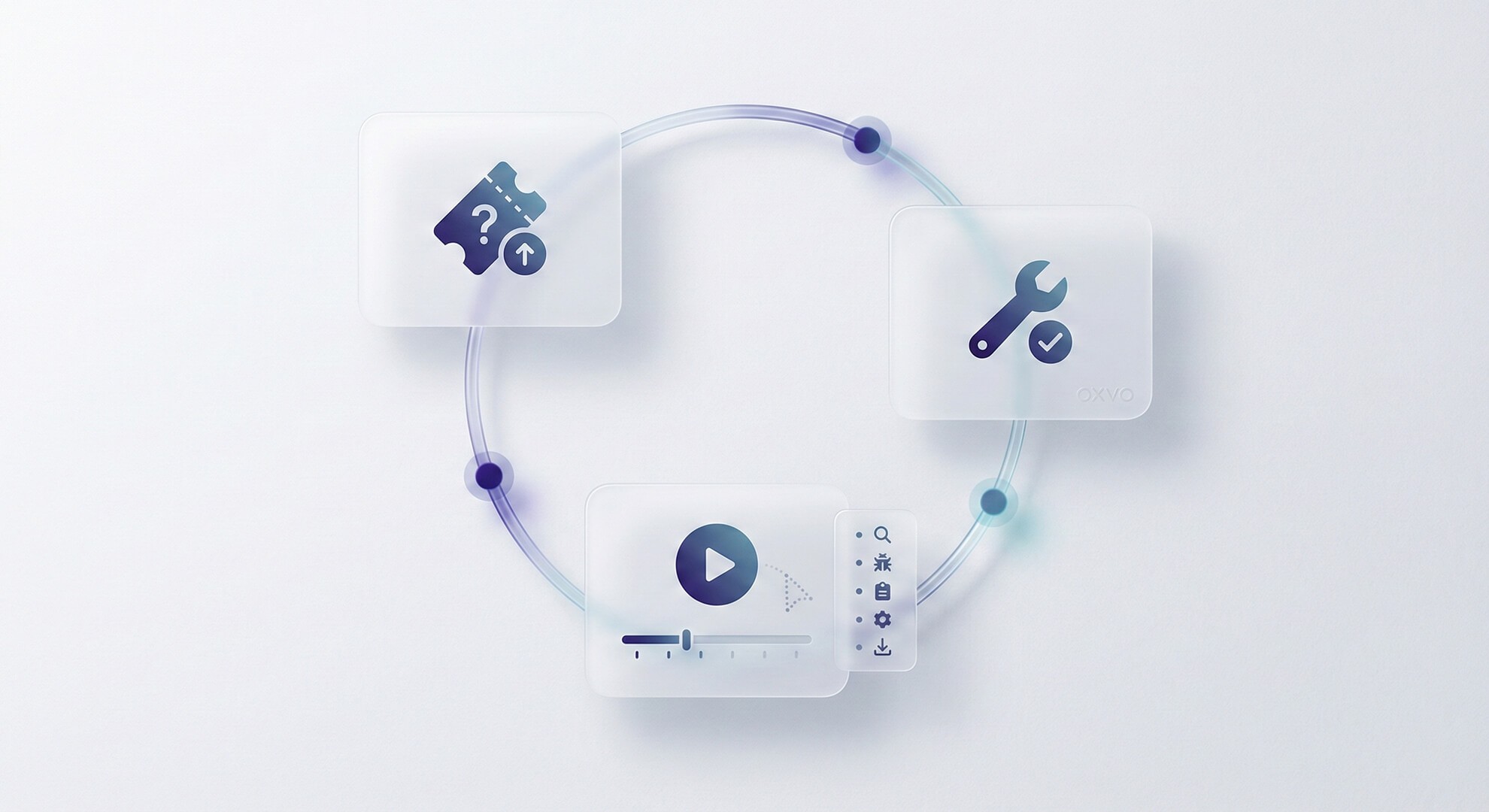
The real win is the loop: conversation → evidence → action → fewer repeats.
Tickets capture conversation, not behavior
A ticket is a narrative: what the user remembers, what they choose to share, and what your agent can infer. That narrative matters but it’s incomplete.
Behavior answers the questions that tickets struggle with:
Where did the user start?
What did they click, and in what order?
What changed right before the failure?
Did the UI fail, or did the user misunderstand the flow?
In SaaS, many “support problems” are really product experience problems: onboarding friction, confusing permission states, intermittent client-side errors, or edge-case journeys. You don’t fix those with better wording. You fix them with evidence.
What changed: support became a high-stakes product surface
Support used to be downstream. Today, it’s part of the product experience. A few shifts made that inevitable:
More self-serve journeys: users hit critical flows without a human in the loop.
More complex client-side behavior: failures don’t always show up cleanly in backend logs.
Higher expectations for speed: response time is compared to the best tools, not to your staffing model.
Tighter retention economics: “stuck onboarding” and “broken billing” are churn risks, not just tickets.
When support is the front line for revenue moments, ambiguity becomes expensive.
The hidden cost of ticket-only workflows
Ticket-only support doesn’t fail loudly. It fails quietly through compounding inefficiency:
Back-and-forth loops: “Can you share a recording?” → “How?” → “Try incognito?” → “Still broken.”
Fragile handoffs: engineering receives reports with unclear steps and uncertain scope.
Misprioritization: product teams rely on anecdote instead of observable patterns.
Agent burnout: agents get stuck interrogating for context instead of resolving issues.
Ticket-only vs evidence-first
Evidence-first doesn’t mean “record everything.” It means: when an issue is hard to reproduce or high impact, you have a privacy-safe way to see what happened and act with confidence.
Dimension | Ticket-only workflow | Evidence-first workflow |
|---|---|---|
Starting point | User description | User description + observed behavior |
Agent questions | Many, sequential | Fewer, targeted |
Reproduction | Often uncertain | Often visible in the session timeline |
Engineering handoff | “We think it’s X” | “Here’s what happened and where” |
Product learning | Anecdotal | Pattern-based from real journeys |
Where OXVO fits in the loop
Evidence-first works best when it’s one workflow not a scavenger hunt across disconnected tools.
OXVO is designed to unify the operational thread (assignment, notes, lifecycle) with session context (replay, live support, co-browsing, behavior signals) and AI assistance that can help with drafting, summaries, routing suggestions, and clustering without replacing human accountability.
To explore how the modules fit together, start here: [Link: OXVO Sessions] and [Link: OXVO AI]
Practical checklist: make evidence part of triage
Define your evidence moments (onboarding drop-offs, payment failures, “can’t reproduce,” repeated UI bugs).
Configure privacy defaults first (masking, sampling, retention, access scope).
Decide environment boundaries: production only, or production + staging with clear separation.
Standardize labels that map to product areas (billing, onboarding, permissions, performance).
Adopt an escalation note template: summary, impact, expected vs actual, evidence, next owner.
Keep automation minimal early: one routing rule, one macro, then expand based on reality.
Mini example workflow: ticket → replay → action
Ticket arrives: “I can’t upgrade. The button does nothing.”
Triage in OXVO: assign owner, apply a label (e.g., billing), and capture what’s known in an internal note.
Investigate in OXVO Sessions: open the relevant replay and confirm the click path and the moment the flow fails.
Respond with confidence: send targeted guidance (workaround or next step) based on what you observed.
Escalate with evidence: hand engineering a concise note that includes where the failure happens and what to check first.
Close the loop: when fixed, update the internal note and tag similar tickets for trend review.
How to know it’s working
You don’t need fancy dashboards on day one. Watch for leading indicators:
Fewer messages per resolution: less context extraction, more direct action.
Faster time-to-reproduce: the replay makes “what happened” concrete.
Higher engineering acceptance: fewer escalations bounce back for missing information.
More product fixes tied to real impact: patterns are easier to validate and prioritize.
CTA
If your team is spending more time extracting context than solving issues, it’s time to connect tickets to what users actually experienced. Start small: one inbox, a few evidence moments, strict privacy defaults.
Button label: See the evidence-first workflow


