
If you only learn about breakages from tickets, you learn too late
Ticket spikes are lagging indicators. By the time support is flooded, customers have already hit friction and some have already churned.
The goal of proactive support isn’t to “predict the future.” It’s to notice when real customer behavior changes: a funnel step starts failing, an error state becomes common, or a key action suddenly drops.
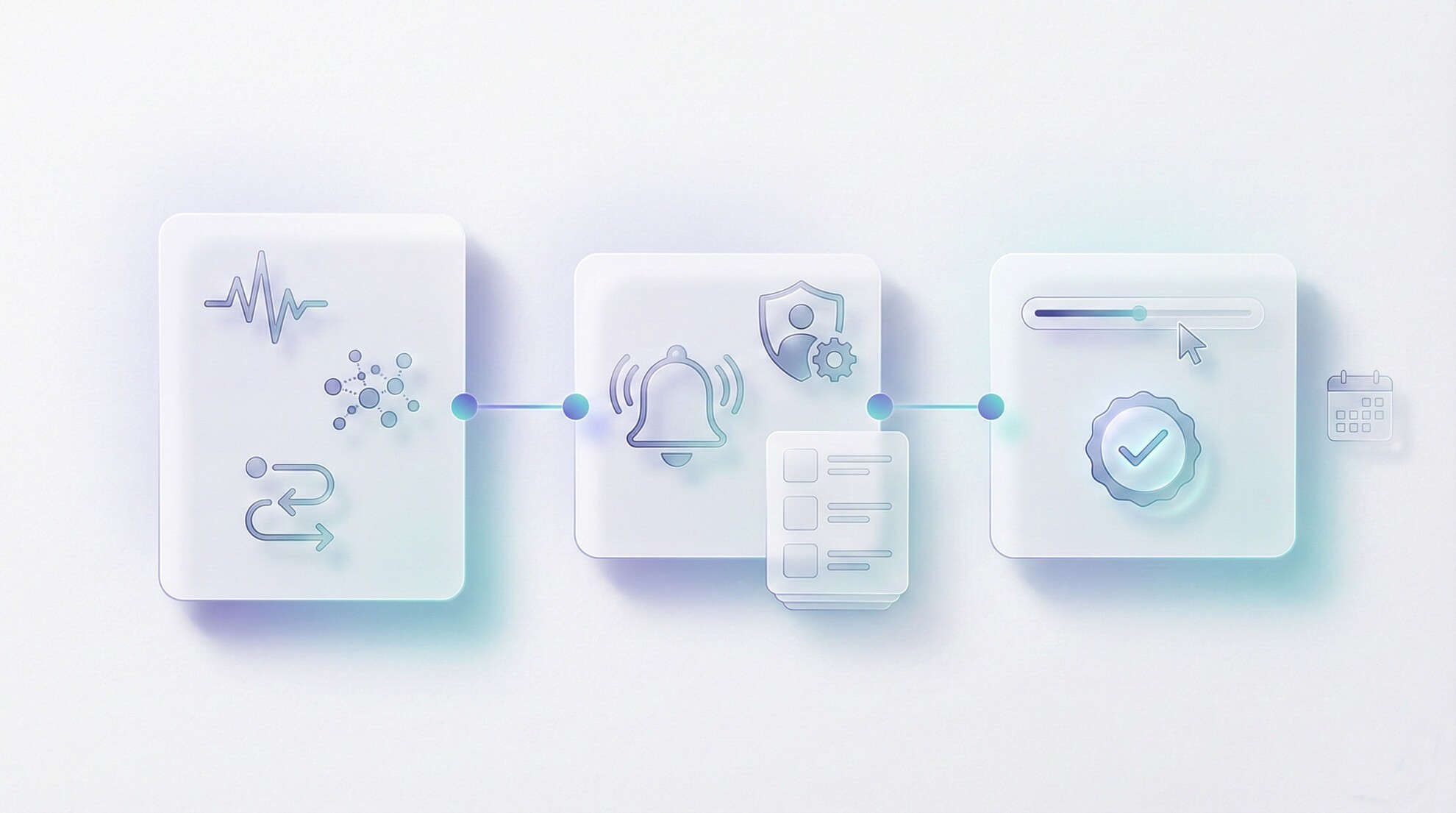
This post shows how to build a lightweight early-warning system using behavior signals, session evidence, and a clear response loop without turning your team into a 24/7 NOC.
Key takeaways
Proactive detection starts with a small set of signals tied to critical customer journeys.
Alerts are useless without ownership and a first-response playbook.
Session sampling is how you validate an alert quickly and avoid false alarms.
Support and product can share one weekly “regression review” with evidence, not anecdotes.
AI can help cluster related issues, but humans must validate with real sessions.
Pick signals that map to customer pain
Choose signals that correspond to revenue or retention paths. Good starting categories:
Funnel drop-off: signup, activation, onboarding milestones. Critical action failure: save, publish, invite, upgrade. Stability regression: client-side errors, slow pages, repeated retries.
Avoid vanity signals like “more sessions” unless they connect directly to a journey you can improve.
Define alert ownership (or don’t bother)
Every alert needs a single owner and a default first action. Otherwise alerts become noise and get ignored.
A practical ownership model:
Support ops owns the monitoring setup and initial triage. Product owns prioritization when the issue is confusion or UX regression. Engineering owns defect confirmation and fixes when behavior indicates a break.
Signal | What it might mean | First response |
|---|---|---|
Sudden drop in activation step completion | UX confusion or broken path | Sample replays for the step and check for dead ends |
Spike in a specific error state | Regression from a release | Validate with session evidence; escalate with repro path |
Increase in retries / repeated clicks | Latency, unresponsive UI, unclear states | Inspect timeline around the action; check for state change |
Drop in upgrade completion | Billing friction or payment flow issue | Investigate the upgrade sequence in replays; verify constraints |
Practical checklist: your first week of proactive monitoring
Choose 3 journeys that matter (activation, upgrade, core action).
Define 1 signal per journey that indicates real pain (drop-off, errors, retries).
Set one alert threshold that is meaningful enough to act on (not overly sensitive).
Assign an owner and write a one-paragraph first-response playbook.
Validate alerts with sessions: sample a small set of replays before escalating.
Create a weekly review cadence to refine signals and remove noisy alerts.
Mini example workflow: ticket → replay → action (triggered by an alert)
Scenario: An alert suggests a spike in drop-offs on the final onboarding step.
Support ops in OXVO: creates a tracking label (onboarding-regression) and tags incoming related tickets.
Replay sampling in OXVO Sessions: the team samples recent sessions that reached the step and sees users hitting a disabled state repeatedly.
Customer mitigation: support updates macros to give a short workaround and sets expectations.
Escalation: engineering gets a replay-backed escalation that includes the observed sequence and impact.
Post-fix: the alert quiets down; support removes the temporary label and closes the loop on affected conversations.
Where AI helps: clustering and summarizing (with verification)
AI can help group similar conversations and summarize what customers are reporting. That’s valuable when you’re trying to understand whether a spike is one issue or many.
But AI shouldn’t be your confirmation step. Use it to accelerate triage, then validate with real session evidence and a human read. Explore: [Link: OXVO AI] alongside [Link: OXVO Sessions].
Make it sustainable: the weekly regression review
Proactive systems fail when they create endless toil. The sustainable version is a short weekly review with three outputs:
The top 1–2 regressions validated with evidence.
The top 1–2 confusion points (UX friction) validated with behavior patterns.
Signals/alerts to remove or adjust based on noise.
Over time, this becomes the glue between support, product, and engineering without requiring a daily meeting.
How to tune thresholds without chasing noise
Early-warning systems fail in two ways: they’re too sensitive (constant alerts) or not sensitive enough (no alert until it’s obvious). A simple approach is to tune thresholds based on actionability:
If an alert fires, can you do something within one hour? If the answer is “not really,” the threshold is probably too low or the signal is too vague.
Start with thresholds that catch large, obvious changes, then tighten over time. During the first month, treat every alert as a calibration exercise: validate with a small replay sample, decide whether the signal was meaningful, and adjust once then move on.
What to do with false positives
False positives are normal. The guardrail is having a standard “dismissal path” so the team doesn’t spiral:
Sample a few sessions to confirm whether the behavior change is real.
If not real, log the reason (deployment glitch, bot traffic, a temporary campaign).
Adjust the threshold or add a filter so it’s less likely to repeat.
Over time, you end up with fewer alerts but each one carries more signal, and the organization learns to trust the system.
That trust is what turns monitoring from “another dashboard” into a shared operating habit.
CTA
If you want fewer fire drills, stop relying on ticket spikes. Choose a small set of journey signals, validate with session evidence, and respond with a clear owner and playbook.
Button label: Set up proactive pain detection


