
Speed without trust becomes support debt
AI can accelerate support: drafting replies, summarizing threads, suggesting routes, clustering issues. The temptation is obvious support is high-volume and context-heavy.
But support is also where trust breaks fastest. A confident wrong answer can create churn. A privacy mistake can create an incident. And an ungoverned rollout can quietly degrade quality until your team is firefighting the assistant.
You don’t need more AI. You need AI with guardrails.
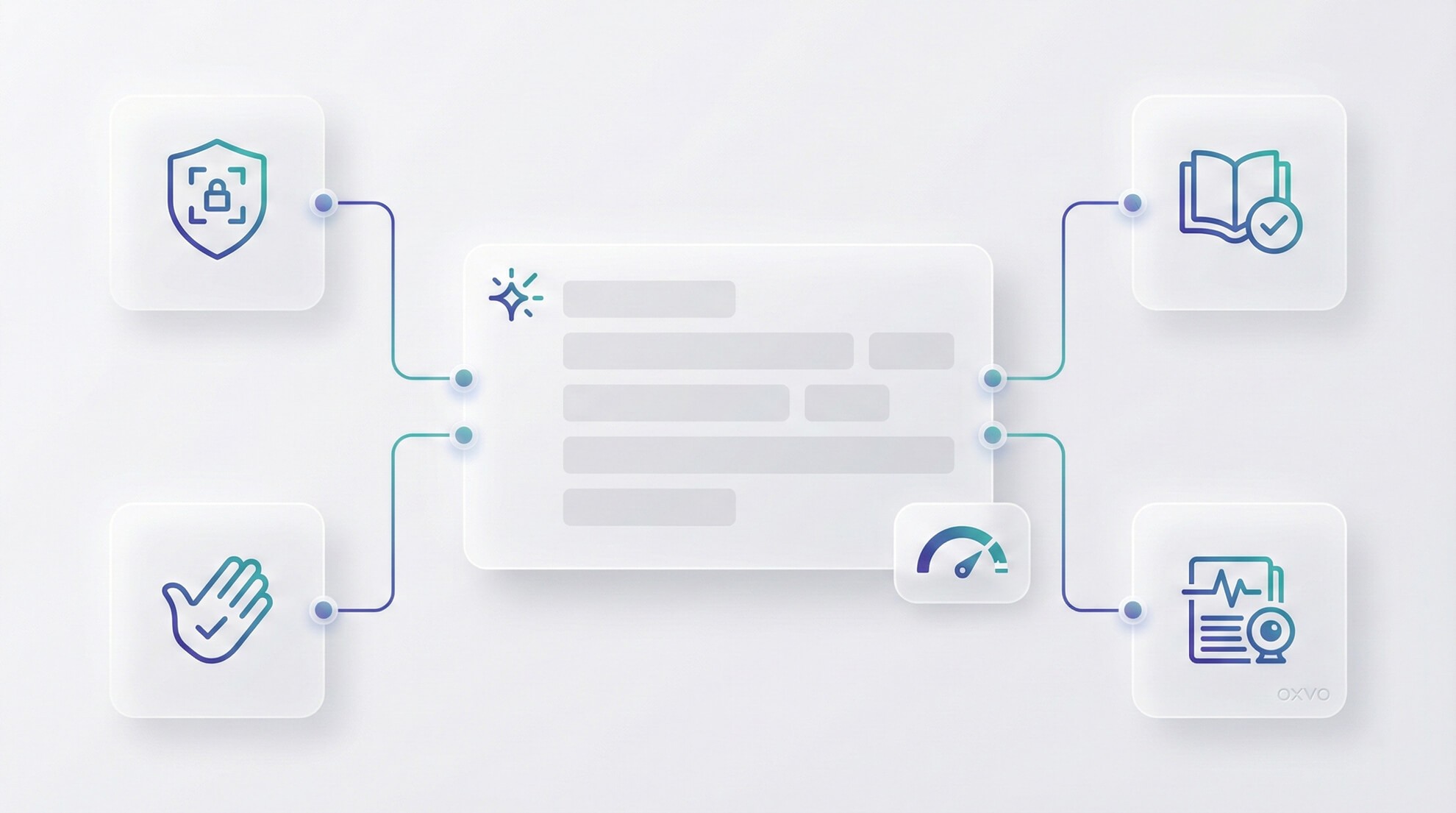
Use AI as an assistant, not an authority humans stay accountable.
Separate low-risk writing help from high-risk “final answer” automation.
Ground AI on approved knowledge and constrain what it can claim.
Keep sensitive data out of prompts unless policy explicitly allows it.
Use session context to reduce ambiguity and prevent “guessy” replies.
Start with the jobs, not the model
Teams don’t need “AI.” They need specific jobs done faster:
Draft clearer replies without rewriting the same message 50 times
Summarize long threads so handoffs don’t reset progress
Suggest labels and routes so specialists see the right work
Find the right knowledge faster than manual searching
Spot patterns across many issues before churn shows up
Different jobs carry different risk. Your guardrails should reflect that.
A risk-based map of AI in support
AI use case | Risk level | What can go wrong | Guardrail that makes it safer |
|---|---|---|---|
Grammar / tone improvements | Low | Minor style mismatch | Human review by default |
Conversation summaries | Low–Medium | Missed nuance or key detail | Editable summaries + spot checks |
Suggested replies | Medium | Wrong steps or accidental promises | Require human approval before sending |
Routing / label suggestions | Medium | Misroutes, inconsistent categorization | Suggestions first; automate later |
Knowledge-backed answers | Medium–High | Hallucinations, outdated policy | Restrict to approved sources; handle uncertainty explicitly |
Clustering issues across tickets/sessions | Medium–High | False patterns or missed edge cases | Treat as leads; validate with evidence and sampling |
Four guardrails that actually matter
1) Data boundaries (what AI can see)
Define what data types AI is allowed to use (conversation text, internal notes, approved knowledge) and what’s off-limits (secrets, regulated identifiers, sensitive customer content beyond policy). Make it enforceable by role and permission.
2) Grounding (what AI is allowed to claim)
Support AI shouldn’t be rewarded for sounding confident. Prefer answers derived from approved knowledge. When uncertain, the assistant should propose questions to ask or safe next steps not invent instructions.
3) Human-in-the-loop (who is accountable)
If AI writes, a human owns the final message. Keep AI outputs as drafts, require review before sending, and define explicit approval paths for high-risk actions (refunds, security guidance, policy exceptions).
4) Observability (how you know quality is stable)
Track where AI is used, how often agents heavily edit outputs, and which outcomes correlate with AI use (reopens, escalations, customer confusion). If you can’t observe it, you can’t govern it.
Why session context makes AI safer
A common failure mode is “context gap hallucination”: the ticket says “it’s broken,” the assistant guesses the flow, and the reply sounds plausible but is wrong for the user’s actual path.
Session replay and behavior signals reduce that gap by showing what happened especially in onboarding, billing, and intermittent UI bugs. When AI is paired with evidence, it has less room to guess.
To explore a unified approach, start here: [Link: OXVO AI] and [Link: OXVO Sessions]
Practical checklist: weekly AI governance
Classify AI features by risk tier (low / medium / high)
Require human review before any AI-generated customer send
Restrict high-risk answers to approved knowledge sources where possible
Define prompt data boundaries (allowed vs forbidden)
Train agents on “when not to use AI” (security, refunds, uncertain identity)
Review samples weekly and tighten prompts, policies, and workflows
Align AI usage with privacy controls (masking, retention, access)
Mini example workflow: ticket → replay → action
Ticket intake: AI drafts an internal summary; the agent edits for accuracy.
Triage: AI suggests labels; the agent confirms and sets priority.
Evidence: the agent opens the replay and confirms the exact click path and failure moment.
Customer response: AI drafts a reply; the agent verifies it matches the observed behavior before sending.
Product action: support escalates with evidence so engineering can reproduce quickly.
Common failure modes (and fixes)
AI becomes a “policy oracle.” Fix: knowledge grounding and explicit uncertainty handling.
Teams over-automate routing early. Fix: suggestions first, measure, then automate a safe subset.
Sensitive data leaks into prompts. Fix: clear boundaries, training, strict privacy defaults.
Agents over-trust AI. Fix: treat outputs as drafts; prefer evidence and verification.
CTA
AI can help support teams move faster but only when it’s deployed with boundaries, review, and visibility. If you’re building an evidence-first workflow, guardrails are what keep speed from turning into risk.
Button label: Build safe AI workflows


