
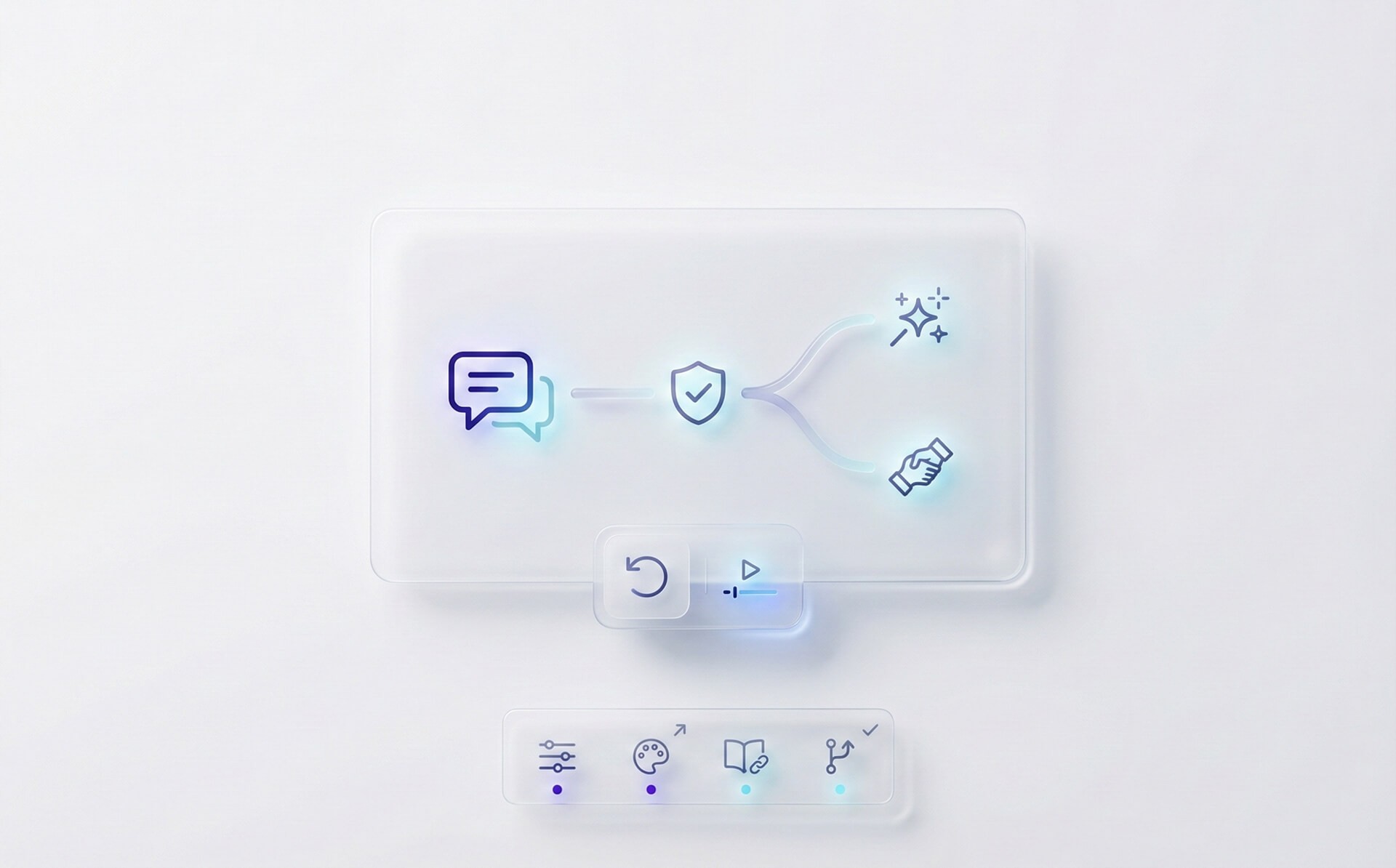
OXVO AI: customer support that stays aligned across chat, voice, and sessions
AI is changing customer service fast, but most teams are running into the same problem: the AI can write, but it can’t reliably resolve. It doesn’t know your policies. It doesn’t understand the customer’s actual journey. And when it’s wrong, it’s often wrong with confidence.
OXVO AI is built to solve that. It brings AI into a single workflow your omnichannel inbox, your knowledge base, and OXVO Sessions (session replay + live assist) so answers are grounded in what customers asked and what they experienced.
Why OXVO AI is different
Most “support AI” lives in a chat bubble. OXVO AI lives where the work happens:
In the inbox: assist agents in real time draft replies, summarize, and keep tone consistent.
In Sessions: bring product context into the resolution replays, friction points, and “what happened right before the ticket.”
In governance: configure how AI behaves model choices, feature toggles, and escalation rules.
The capabilities teams actually use
1) Copilot for agents (speed, without losing quality)
In conversation composition workflows, OXVO AI supports agent-facing writing assistance so your team can move faster without sounding robotic:
Reply suggestions for common questions
Conversation summaries for fast handoffs
Grammar and spelling improvements
Tone and style rewrites to match your brand voice
It’s designed to be collaborative: agents stay in control, review output, and send the final response.
2) Smarter triage and cleaner handoffs
Speed isn’t just typing faster it’s keeping the queue clean. OXVO AI helps teams:
Summarize long threads into what matters (goal, context, what was tried, next step)
Suggest labels/tags so issues are searchable and reportable
Reduce escalations caused by missing context
3) AI that can “see what they see” (when chat isn’t enough)
Some issues are impossible to solve through text alone. When it’s faster, OXVO can move from chat to real-time help starting a live screen session (co-browsing) so your team can guide the customer step-by-step, with consent.
That same “shared reality” is what makes AI safer: you’re not guessing what happened you’re looking at it.
4) AI insights for leaders (CSAT, SLA risk, and where AI needs help)
OXVO AI isn’t only for the frontline. It helps leaders answer questions like:
Which intents are causing the most handoffs?
Where are SLAs at risk today?
Which knowledge gaps are lowering resolution?
What changed in customer sentiment this week?
Use these insights to update guidance, improve staffing, and fix product issues that create repeat tickets.
On-policy by design
Trust comes from control. OXVO provides governance controls so AI usage matches your risk tolerance:
Admin configuration: choose models used for assistant and copilot features.
Feature toggles: turn on/off capabilities like label suggestion or help center indexing.
Human review: require agent approval before sending AI-generated replies.
Operational transparency: track where AI is used so teams can audit outcomes.
A rollout plan that works in production
If you want adoption (not a pilot that dies in week two), start small:
Enable one low-risk feature first (e.g., writing improvements).
Define a review standard for agents: what must be checked before sending.
Expand to summaries and triage once output quality is consistent.
Bring in Sessions context for hard-to-reproduce issues and escalations.
The “OXVO advantage”: one platform, one loop
With OXVO AI, you don’t bolt AI onto a disconnected help desk. You connect conversations to the product journey and close the loop:
Support resolves faster with better context
Product sees where users struggle
Engineering gets evidence-based escalation reports
Leadership gets clear service health and trends
Ready to try OXVO AI?
Start with one inbox. Connect your approved sources. Turn on Copilot. Then expand into Sessions-powered investigations and live assist when you’re ready. OXVO AI is built to scale with your support volume without sacrificing trust.


