[OXVO Sessions] Vuex and Pinia state context for replays
Sessions, SDK, Vuex, Pinia, Privacy
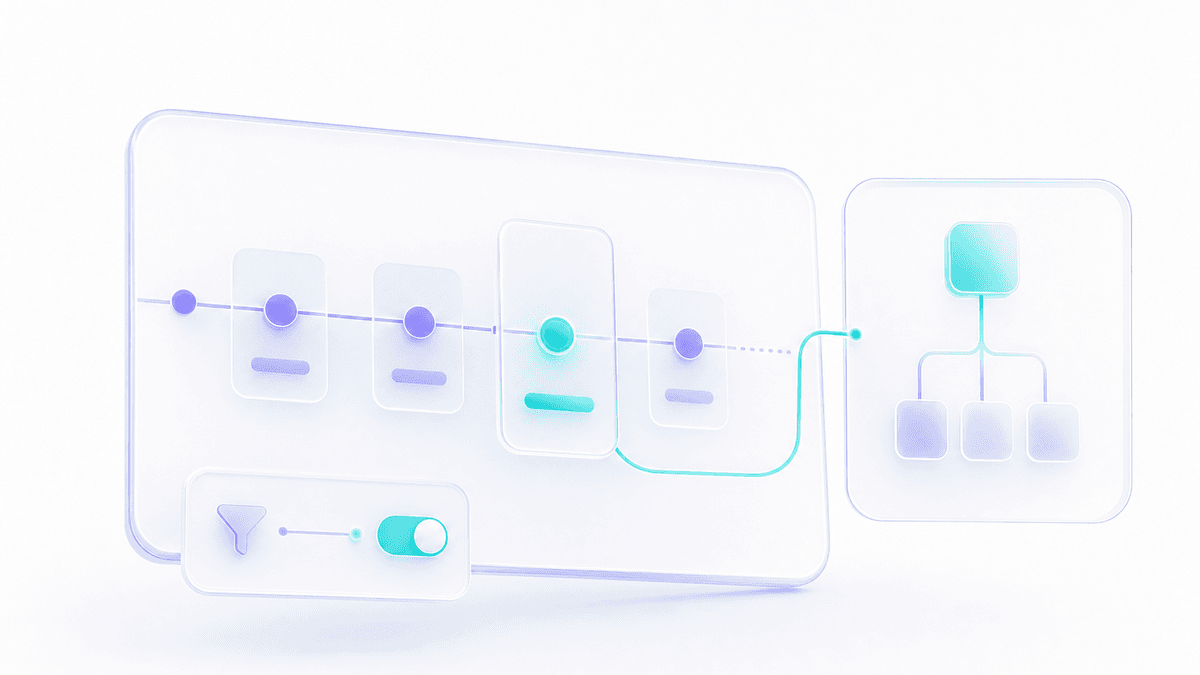
The @oxvo/browser-vuex connector adds application-state context from both Vuex and Pinia to OXVO Sessions replay.
Capture controls
Record Vuex mutations or Pinia actions alongside the related state snapshot.
Use
filterto exclude noisy updates.Use
transformerandmutationTransformerto reshape state and action payloads before capture.
State context can make UI behavior easier to diagnose, but the default transformers preserve the values supplied by the store. Production integrations should explicitly whitelist fields, exclude tokens, passwords, payment data, free-form values, and large collections, then verify one expected state or action entry in replay.