[Inbox] Unified Timeline with replay moments
Product, Support, Sessions
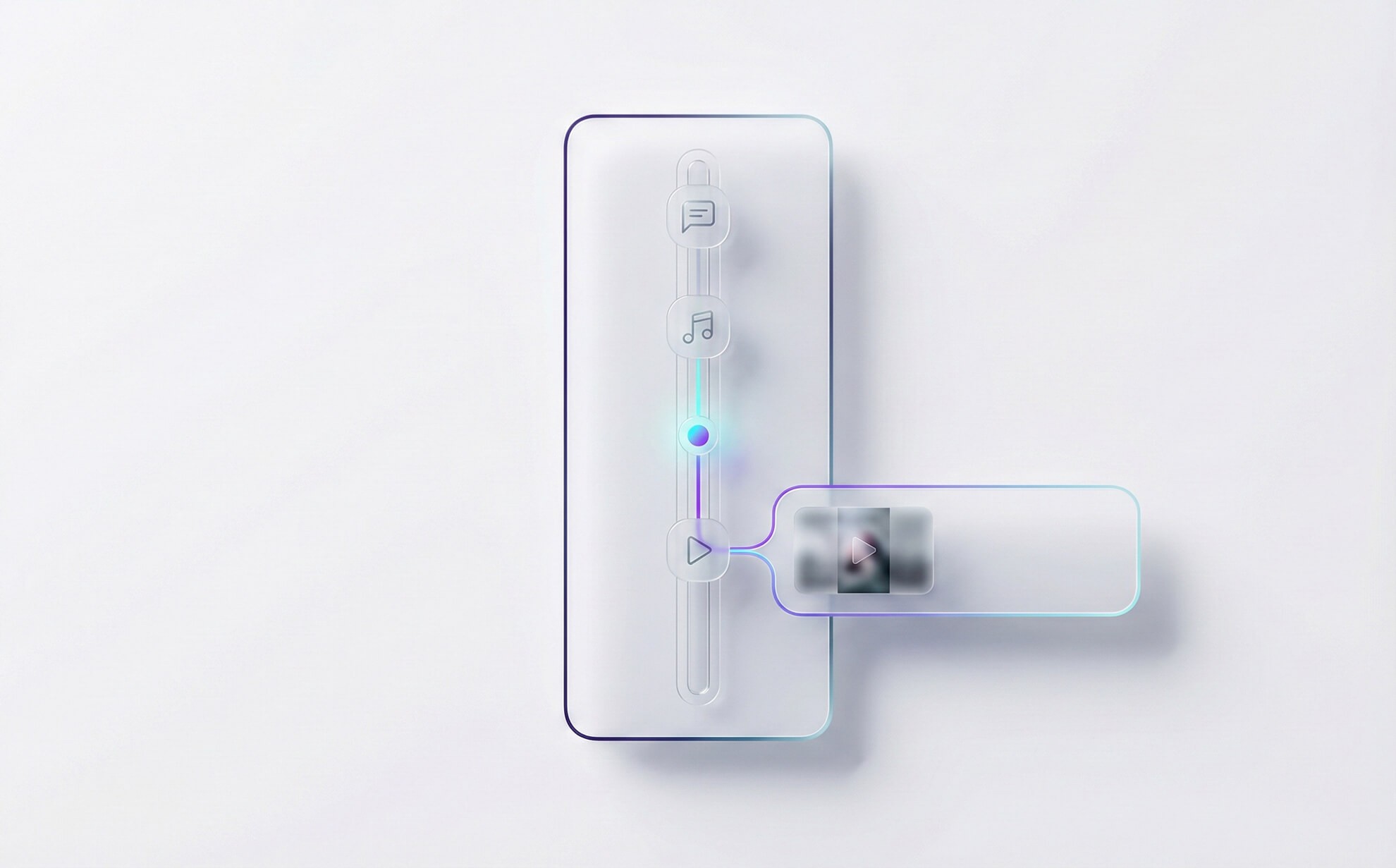
Unified Timeline for conversations and OXVO Sessions
Improvement
Conversations now include a unified Timeline that blends messages, internal notes, status changes, and linked OXVO Sessions moments. Jump from a message to the exact replay timestamp that matches what the customer was doing.
What's new
Replay moment cards appear inline in the conversation history when a session is linked.
Conversation events like assignment, priority, and status updates are shown as lightweight Timeline items.
Open a replay directly at the best timestamp, then return back to the same place in the thread.
How it works
OXVO links sessions to conversations using available identity and time-window signals (for example, contact mapping and recent activity).
If multiple sessions match, you can switch the linked session from the Timeline without losing your place.
All Timeline items respect role permissions, so only authorized users can open replays and technical details.
How to use
Open any conversation.
Switch to Timeline.
Click a replay moment card to open the session at the suggested timestamp.
Availability
Requires OXVO Sessions enabled in your workspace and permission to view replays.