Build apps. Understand users.

One place to build, launch, and improve your app.


Notion


OXVO
Where apps keep getting better.
Build with OXVO or connect the site you already have. Understand traffic, conversion, and retention with Insights, then use the evidence to choose your next improvement.
OXVO
Where apps keep getting better.
Build with OXVO or connect the site you already have. Understand traffic, conversion, and retention with Insights, then use the evidence to choose your next improvement.
OXVO AI
Hi, I’m OXVO AI. Ask about your app’s usage to answer, summarize, route, and surface what to improve next.
Explore traffic, funnels, and retention in Insights. So every reply, handoff, and improvement starts with context.
How can I help?
Know what to improve next
Start with analytics in OXVO Insights. Add replay, AI Guide, or Messenger for the context and support you need.

AI Guide
Help visitors find answers and complete tasks with in-app guidance you configure.
AI Guide
Help visitors find answers and complete tasks with in-app guidance you configure.
Builder + Console
The loop that makes every app smarter.
OXVO Builder creates the app. OXVO Console captures what users do, ask, and struggle with. OXVO AI connects both sides, then turns live behavior into safer replies, clearer journeys, and approved improvements.
Builder + Console
The loop that makes every app smarter.
OXVO Builder creates the app. OXVO Console captures what users do, ask, and struggle with. OXVO AI connects both sides, then turns live behavior into safer replies, clearer journeys, and approved improvements.
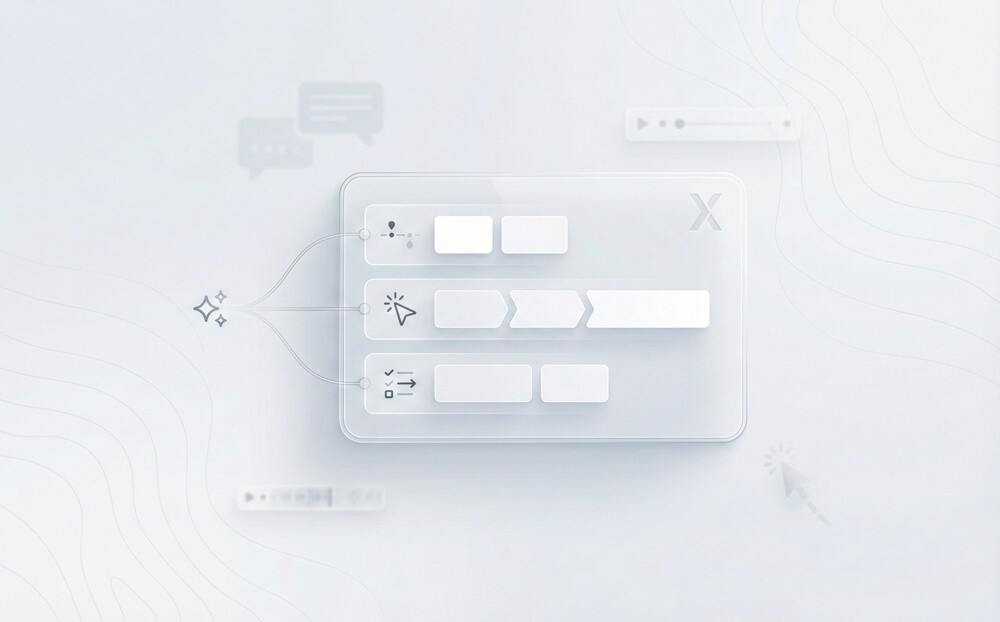
Builder context meets live usage
Every app built or connected in OXVO carries context into Console
Builder context meets live usage
Every app built or connected in OXVO carries context into Console
Console captures the real story
Track conversations, sessions, product analytics, and handoffs in one place so answers and improvements start with evidence.
AI runs the busy work
Route issues, summarize sessions, and draft replies with customer context. Connect workflows without rebuilding your stack.
AI runs the busy work
Route issues, summarize sessions, and draft replies with customer context. Connect workflows without rebuilding your stack.
Suggest Next Steps
Find KB Article
Draft Reply
Summarize Conversation
Create Ticket
Issue Refund
Update Billing
Check Order Status
Start Voice Call
Start Screen Co‑pilot
Agent Handoff
Route by SLA
Start Voice Call
Find KB Article
Draft Reply
Summarize Conversation
Create Ticket
Issue Refund
Update Billing
Check Order Status
Route by SLA
Agent Handoff
Start Screen Co‑pilot
Start Voice Call
l
Ask AI what to improve next...
OXVO AI reads Console signals, understands the app from Builder, and recommends the next reply, handoff, or approved update.
Suggest Next Steps
Find KB Article
Draft Reply
Summarize Conversation
Create Ticket
Issue Refund
Update Billing
Check Order Status
Start Voice Call
Start Screen Co‑pilot
Agent Handoff
Route by SLA
Start Voice Call
Find KB Article
Draft Reply
Summarize Conversation
Create Ticket
Issue Refund
Update Billing
Check Order Status
Route by SLA
Agent Handoff
Start Screen Co‑pilot
Start Voice Call
l
Ask AI what to improve next...
OXVO AI reads Console signals, understands the app from Builder, and recommends the next reply, handoff, or approved update.












Features
Connect the tools you use.
Understand users in Console, then connect your CRM, ecommerce platform, and internal systems through native integrations and APIs.
OXVO vs. others
Why teams choose OXVO
Build, understand, support, and improve your app without stitching together separate tools.
OXVO vs. others
Why teams choose OXVO
Build, understand, support, and improve your app without stitching together separate tools.
Typical stack
Typical stack
OXVO
OXVO
Build and run together
Builder connects to Console for product analytics, replay, and support.
Separate products
One workspace
Build and run together
Separate products
One workspace
Build and run together
Builder connects to Console for product analytics, replay, and support.
Separate products
One workspace
AI with the full picture
Use app, conversation, knowledge, and session context together.
Partial context
Connected context
AI with the full picture
Partial context
Connected context
AI with the full picture
Use app, conversation, knowledge, and session context together.
Partial context
Connected context
See what users experienced
Link conversations to replays, errors, and behavior evidence.
Manual investigation
Linked evidence
See what users experienced
Manual investigation
Linked evidence
See what users experienced
Link conversations to replays, errors, and behavior evidence.
Manual investigation
Linked evidence
Help users in the moment
Use AI Guide or human guidance inside the live app.
Separate add-ons
Available in Console
Help users in the moment
Separate add-ons
Available in Console
Help users in the moment
Use AI Guide or human guidance inside the live app.
Separate add-ons
Available in Console
Improve after launch
Review Messenger and Sessions signals in Builder; track product patterns in Insights.
Extra handoffs
OXVO Loop
Improve after launch
Extra handoffs
OXVO Loop
Improve after launch
Review Messenger and Sessions signals in Builder; track product patterns in Insights.
Extra handoffs
OXVO Loop
Keep product and customer context connected without rebuilding your app.
Simple Rollout
Connect your app and users in 3 steps.
No endless implementation. Just connect, configure, and go live.
Simple Rollout
Connect your app and users in 3 steps.
No endless implementation. Just connect, configure, and go live.
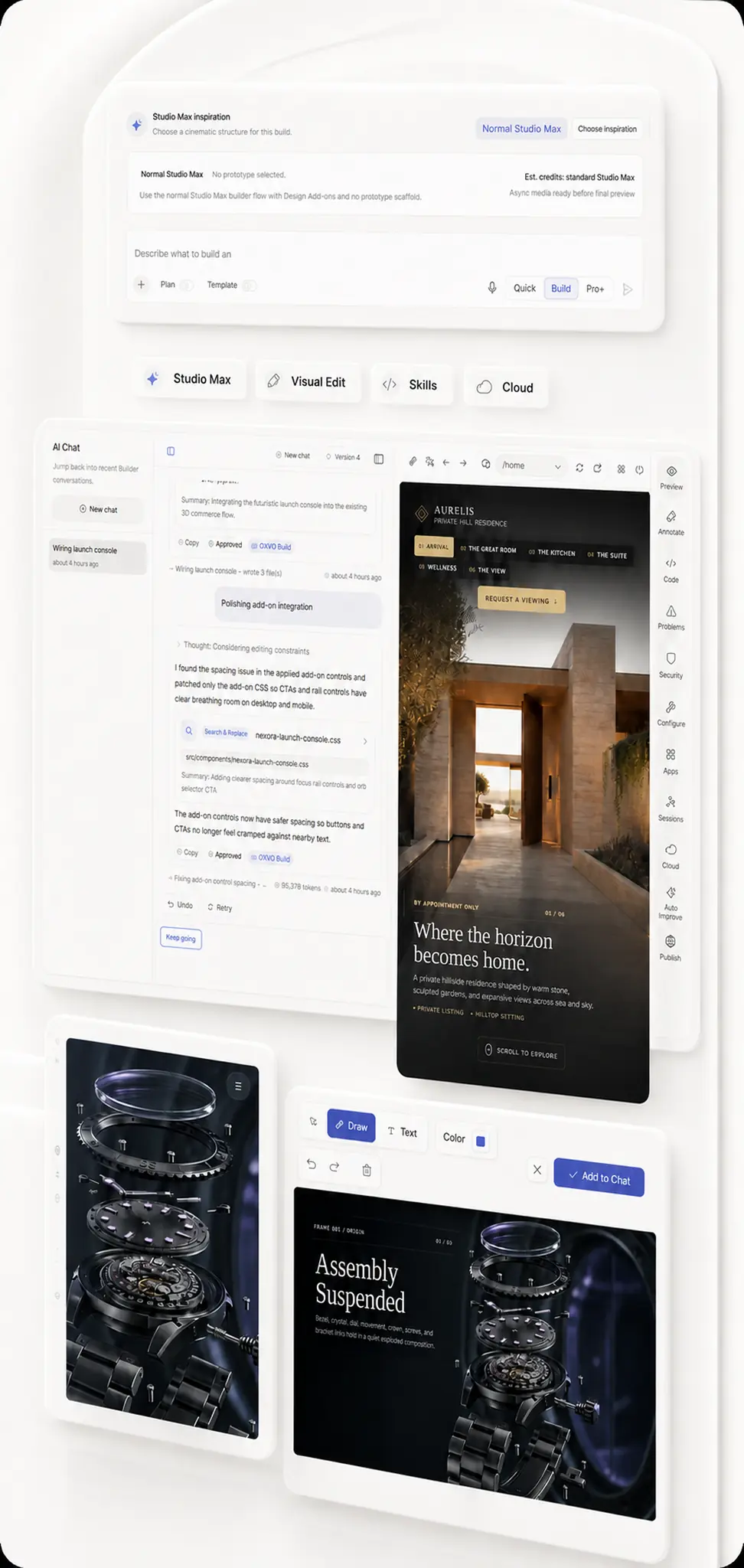
Build or connect your app
Create in OXVO Builder or connect your current product to OXVO Console.
01
Build or connect your app
Create in OXVO Builder or connect your current product to OXVO Console.
01
Build or connect your app
Create in OXVO Builder or connect your current product to OXVO Console.
01
AI understands what users need.
Conversations, analytics, and replay become one view of what users need and where they struggle.
02
AI connects the dots
Conversations and behavior, decoded.
User intent identified
Friction detected
Explore Insights and Sessions in Console
AI understands what users need.
Conversations, analytics, and replay become one view of what users need and where they struggle.
02
AI connects the dots
Conversations and behavior, decoded.
User intent identified
Friction detected
Explore Insights and Sessions in Console
AI understands what users need.
Conversations, analytics, and replay become one view of what users need and where they struggle.
02
AI connects the dots
Conversations and behavior, decoded.
User intent identified
Friction detected
Explore Insights and Sessions in Console
OXVO improves from real behavior
AI uses conversations, sessions, and issue patterns to fix friction, improve flows, and make better product decisions.
03
AI turns recurring issues into targeted fixes.
Fix prepared
AI simplifies the onboarding flow.
Flow ready
AI rewrites unclear guidance.
Ready
AI creates bug reports with steps to reproduce.
Issue created
OXVO improves from real behavior
AI uses conversations, sessions, and issue patterns to fix friction, improve flows, and make better product decisions.
03
AI turns recurring issues into targeted fixes.
Fix prepared
AI simplifies the onboarding flow.
Flow ready
AI rewrites unclear guidance.
Ready
AI creates bug reports with steps to reproduce.
Issue created
Get started
Build, launch, and keep improving.
OXVO LOOP
Where apps keep getting better.
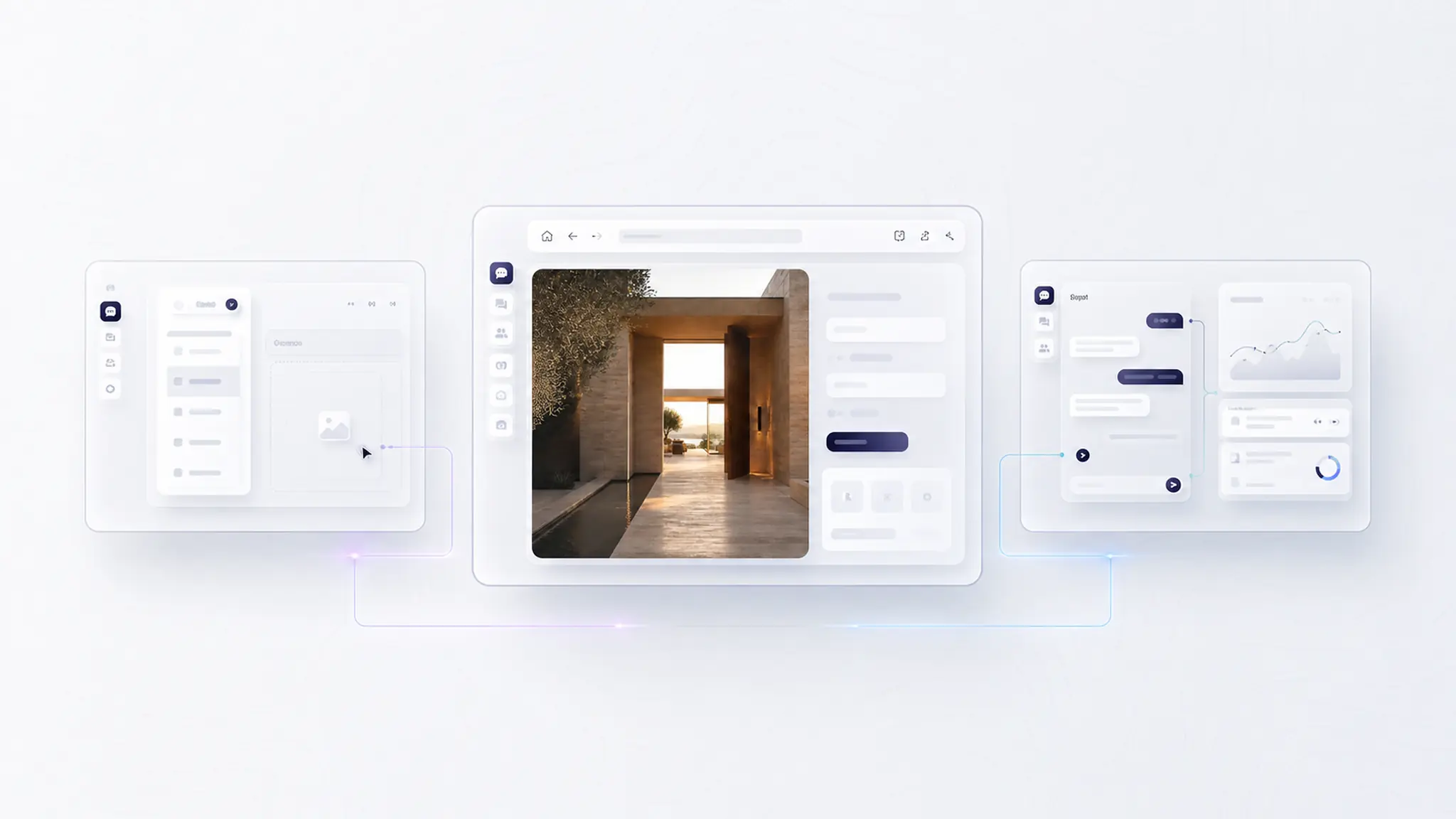
Create something new or connect your existing product. Keep analytics, sessions, support, and reviewed improvements connected after launch.

Get started
Build, launch, and keep improving.
OXVO LOOP
Where apps keep getting better.
Create something new or connect your existing product. Keep analytics, sessions, support, and reviewed improvements connected after launch.
Get started
Build, launch, and keep improving.
OXVO LOOP
Where apps keep getting better.
Create something new or connect your existing product. Keep analytics, sessions, support, and reviewed improvements connected after launch.